
Intro
In this tutorial, I will show how to use Steam. Steam is a program that you install on your computer to buy and manage games. You will learn how to
- Download and install Steam
- Buy and install a game
- Add a friend
Tutorial
Download and install Steam
Download Steam from the official website. Open the install file and follow the instructions.
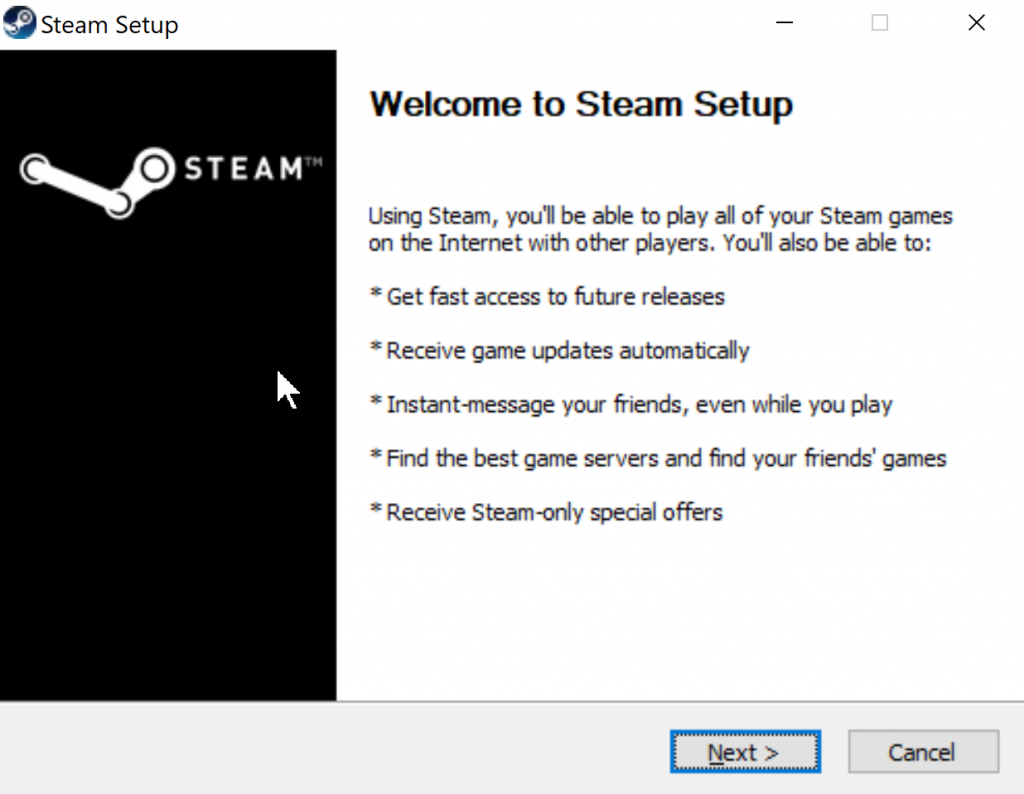
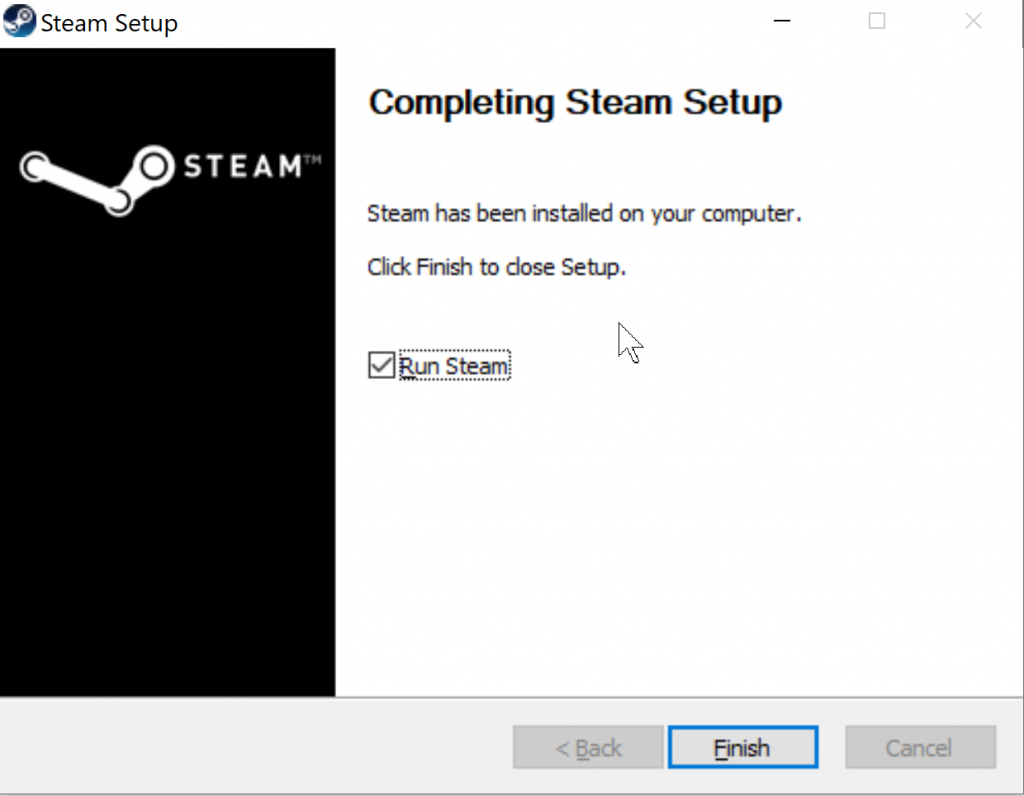
When it’s finished, open it.
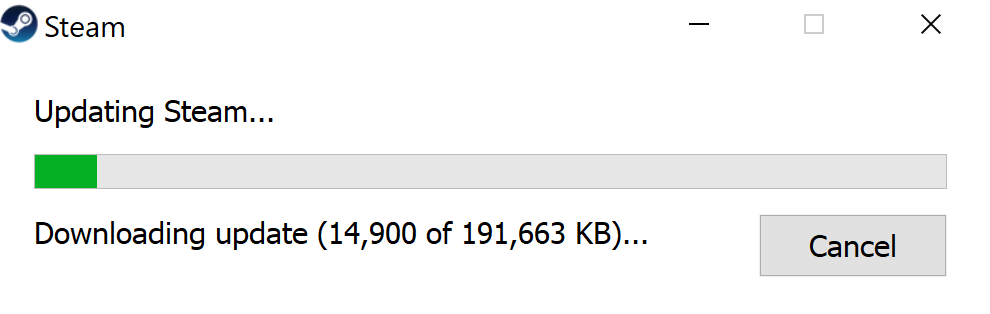
Wait for Steam to install.
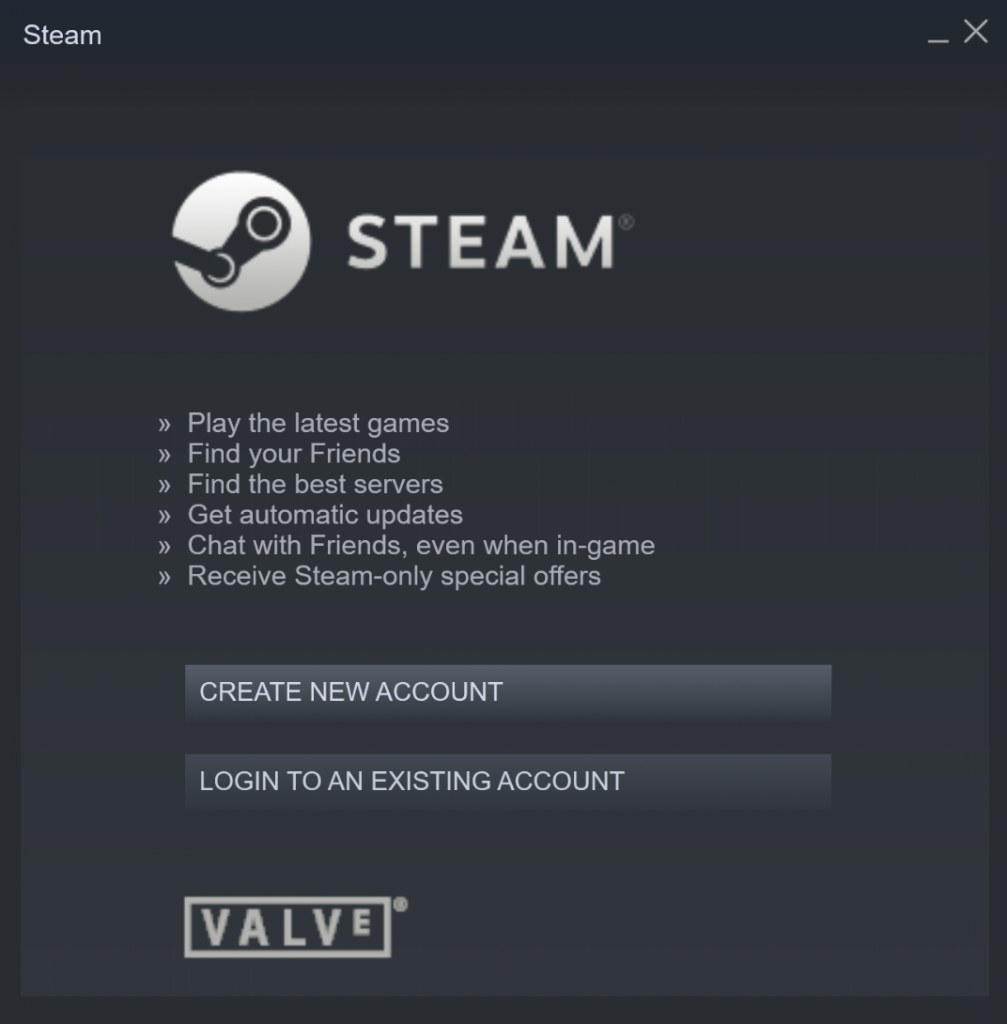
Create a Steam account
Click on CREATE NEW ACCOUNT.
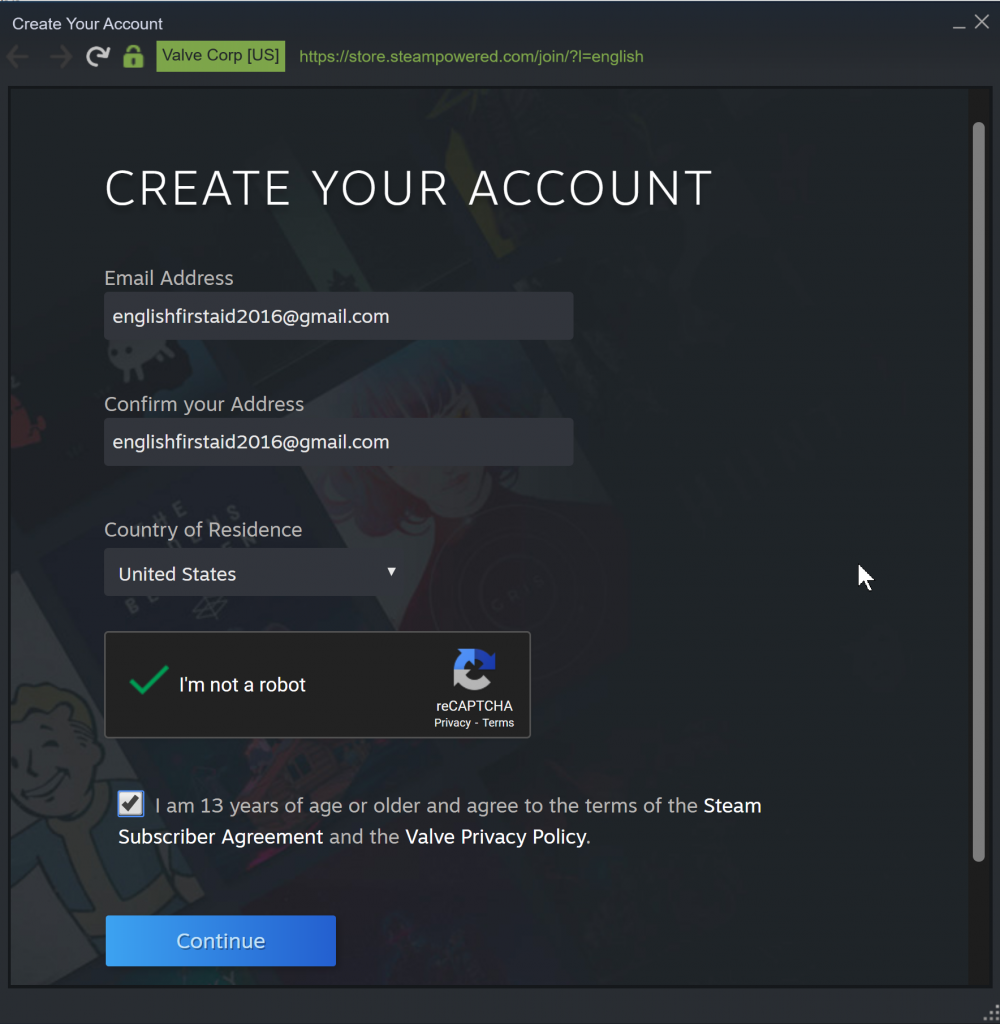
Enter your information and click Continue
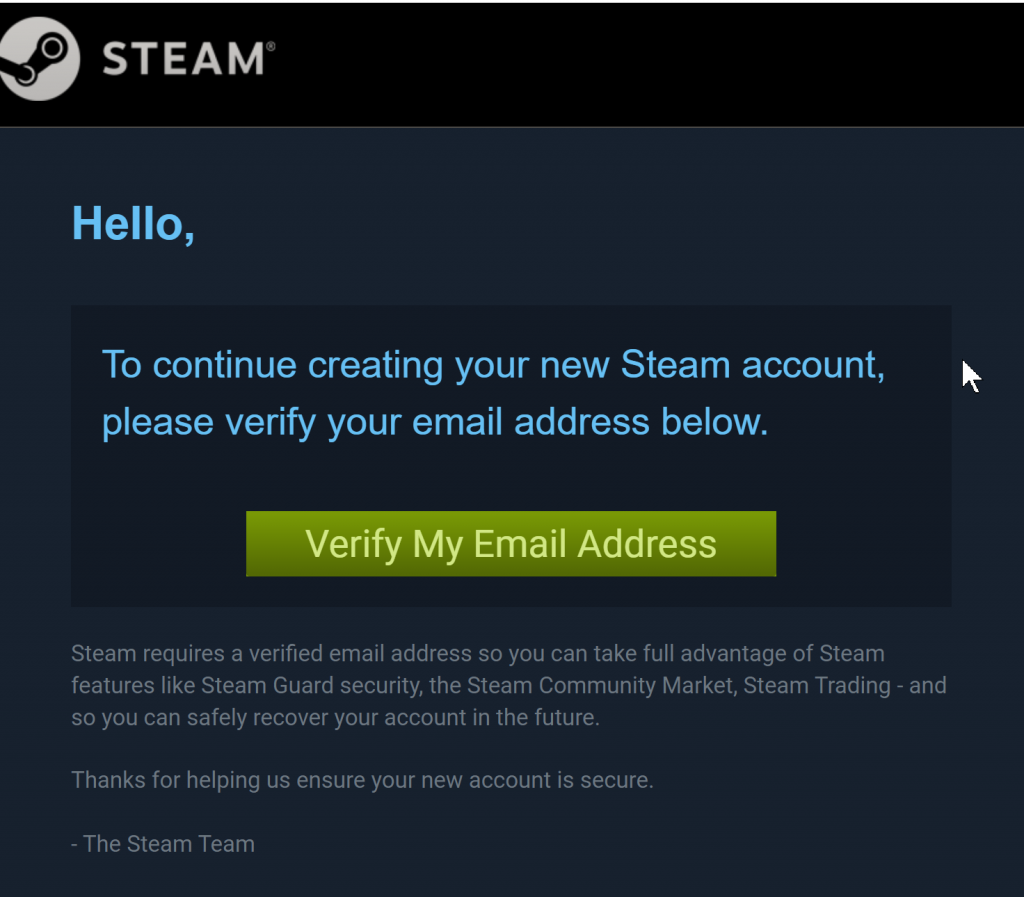
Check your email and verify your account.
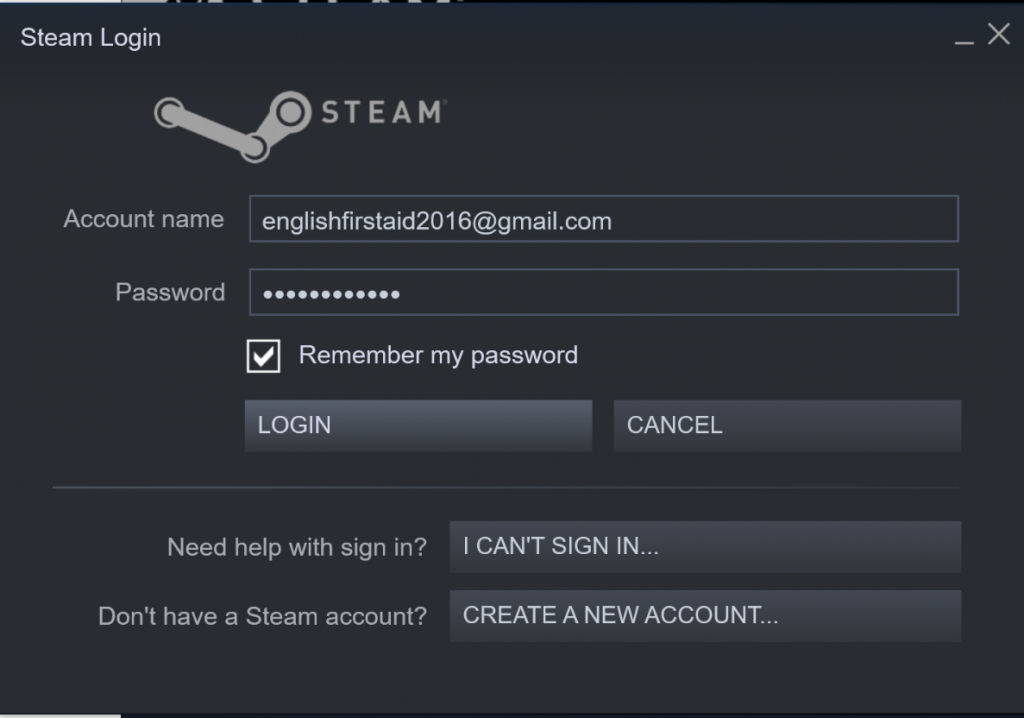
Go back to Steam and log in.
Buy a game
There are many places on the internet to buy games. I’m going to give you two options:
- Steam – easy and straightforward but usually more expensive
- GG Deals – may be more complicated but usually cheaper
Steam
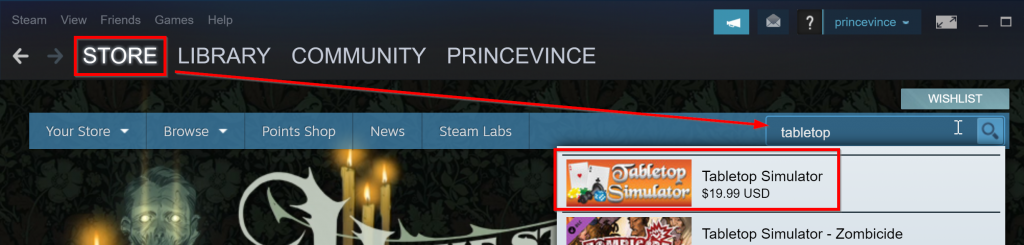
I will use Tabletop Simulator in this example but you can buy and download any game you want.
Open your Steam app and click on Store. Search for your desired game.
Click on ‘Add to Cart.’
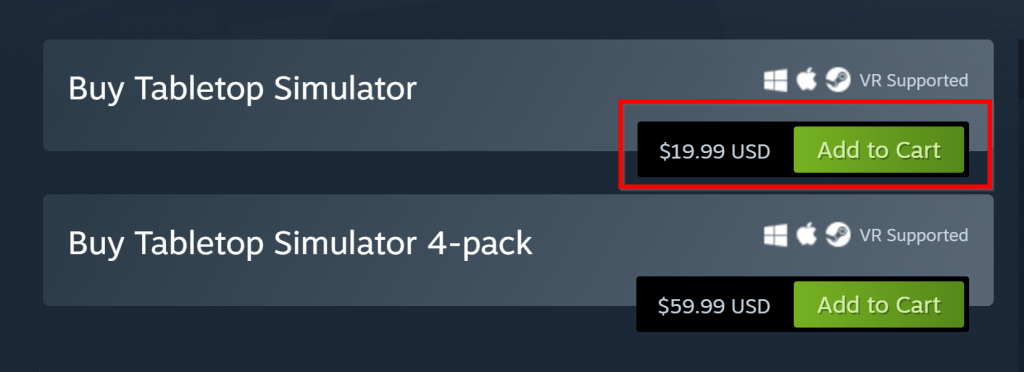
Finish the checkout and payment process.
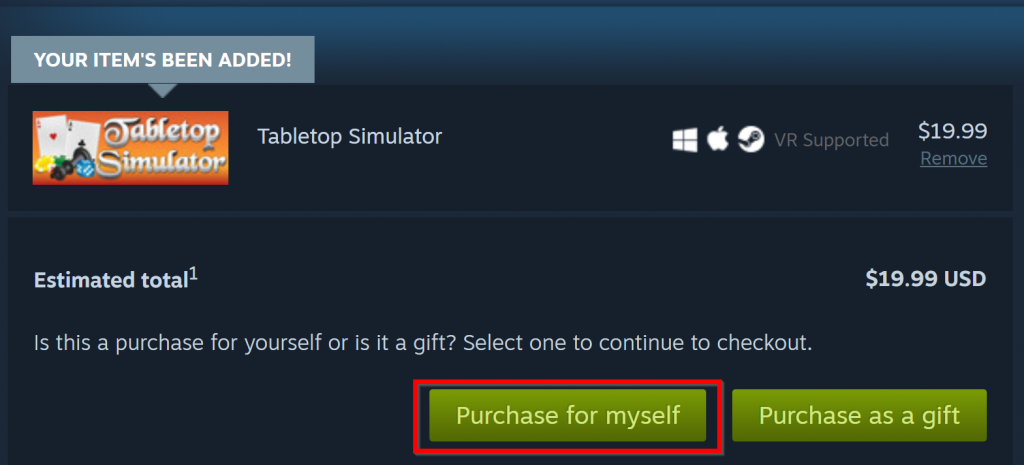
Install your game
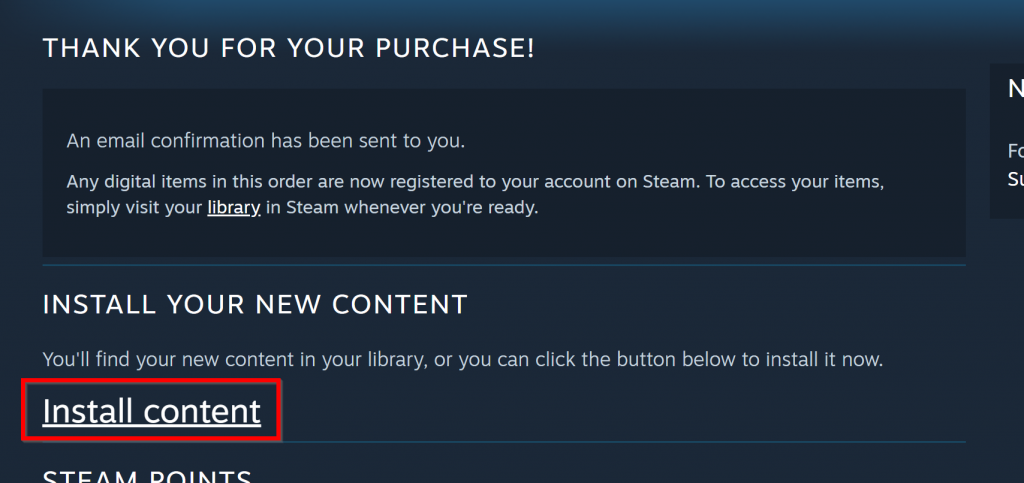
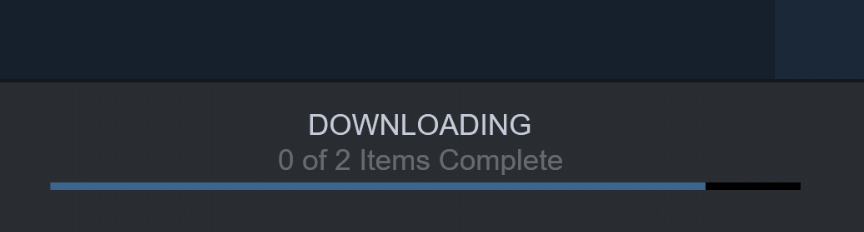
Once your purchase is complete, click on ‘Install content’
Follow the installation process.
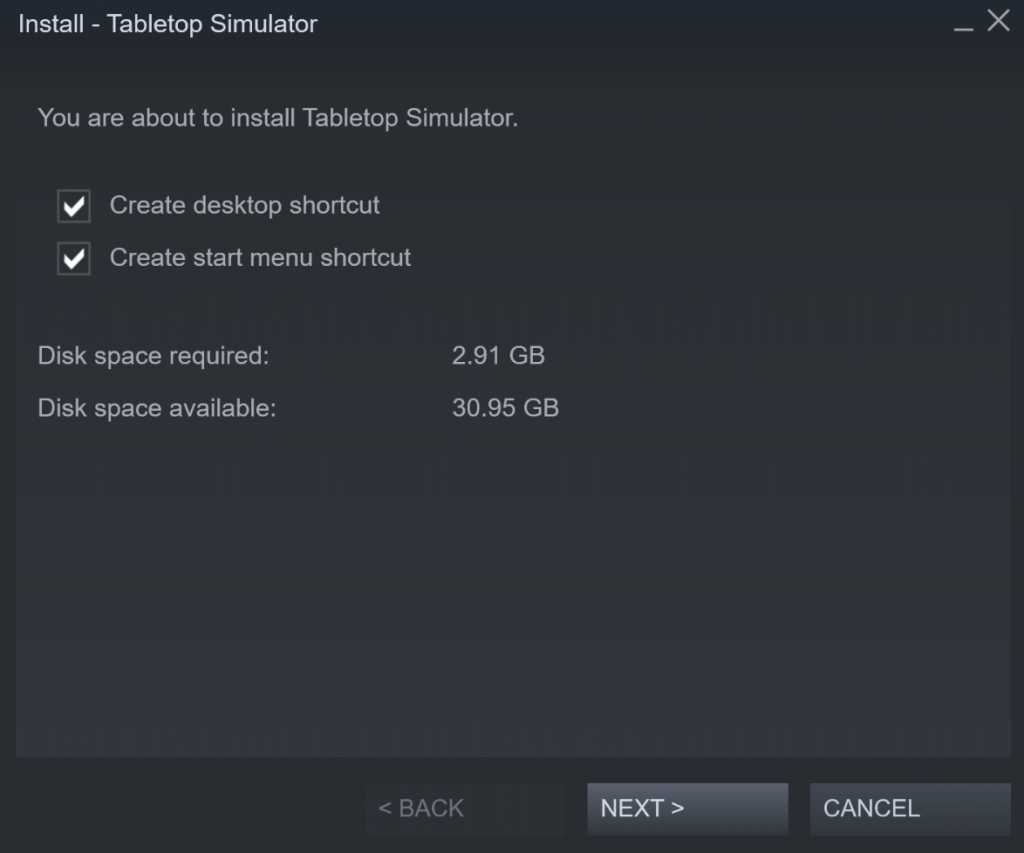
Wait for the download/install process to complete.
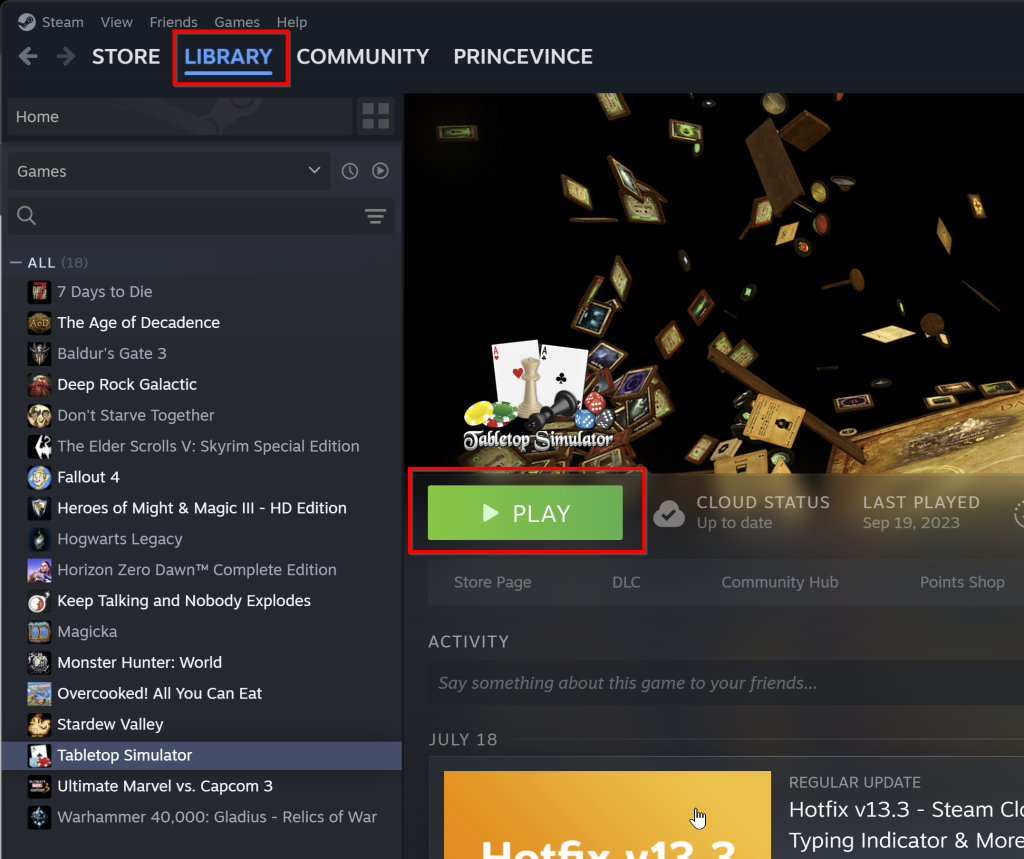
After the game finishes downloading, you can find it in your library. Just click the green Play button to start the game.
GG Deals
I can’t provide specific instructions for this option because the process is different depending on which vender you buy from. I can show you how to search for a game and find the best price. After that you must follow the instructions for that specific vendor.
Go to the GG Deals website. Search for your game.
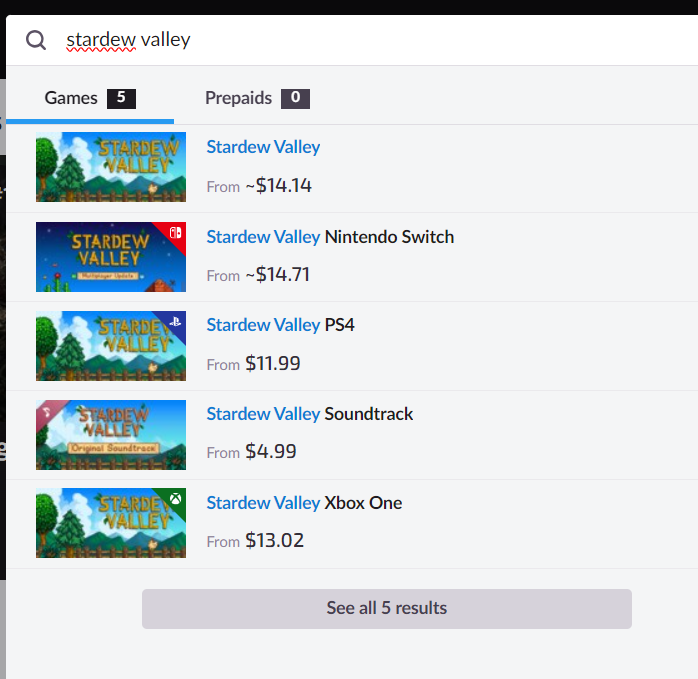
I can see several results here but the first one is the one I want so I click on it.
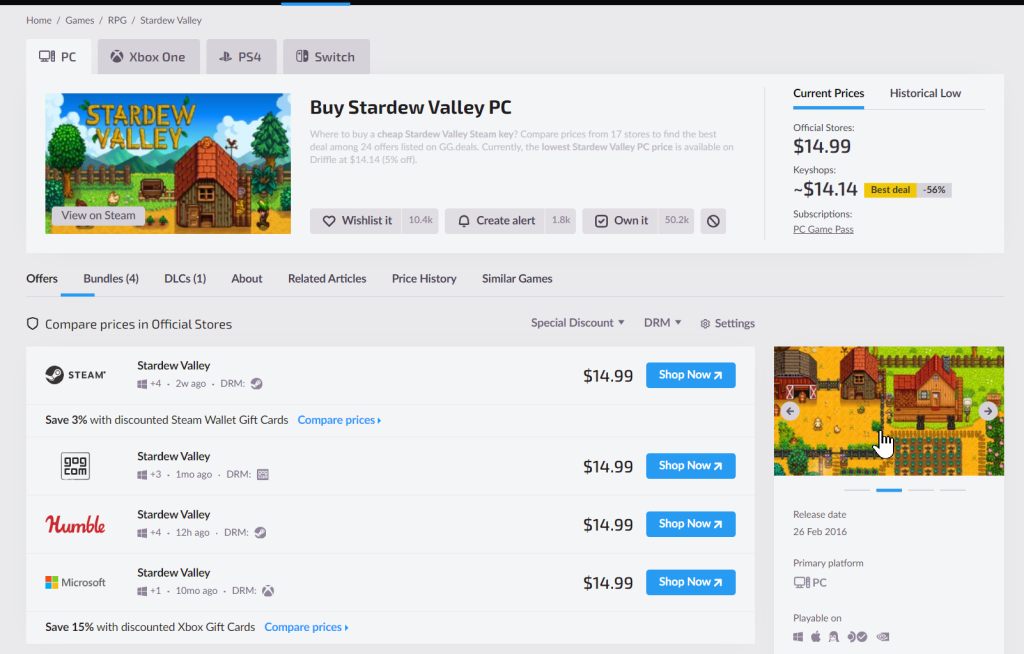
In this case, GG Deals doesn’t have any options much cheaper than Steam. I would just buy this directly from Steam. Let’s look at another example that is actually cheaper.
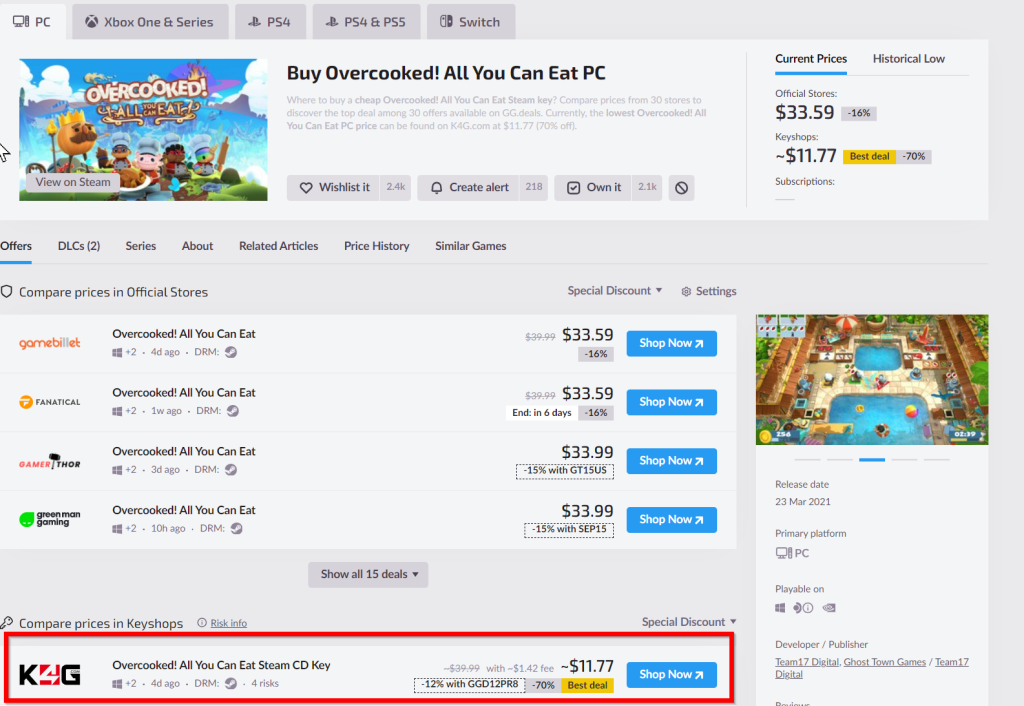
Here I can see this game is 70% off. That’s a great deal. I click shop now to check it out.
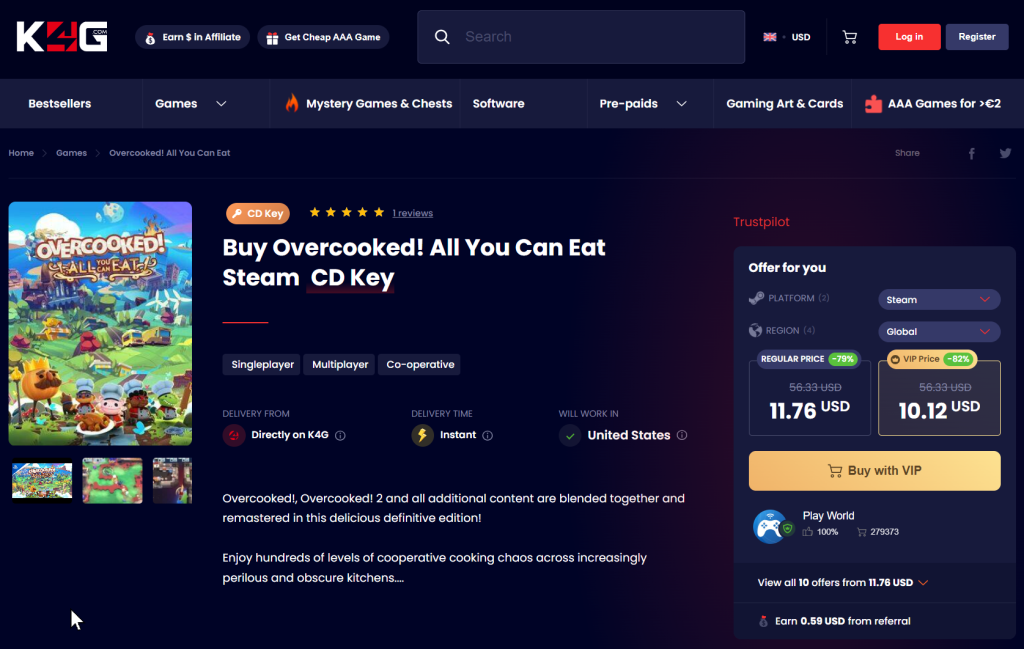
I’ve been redirected to the vendor’s website. Here I can finish the checkout process and I will receive instructions here or by email to download and activate my game.
Leave a Reply
You must be logged in to post a comment.