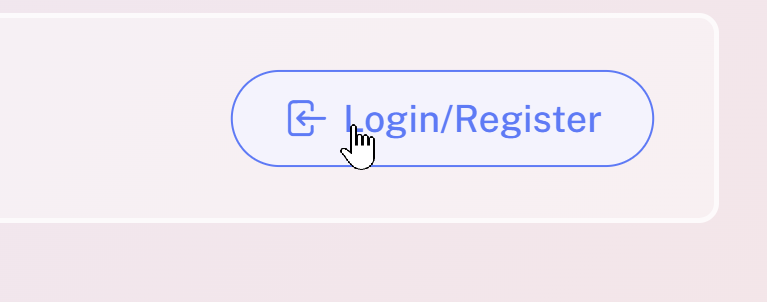
Go to flashcards.fluencydb.com and click Login/Register.
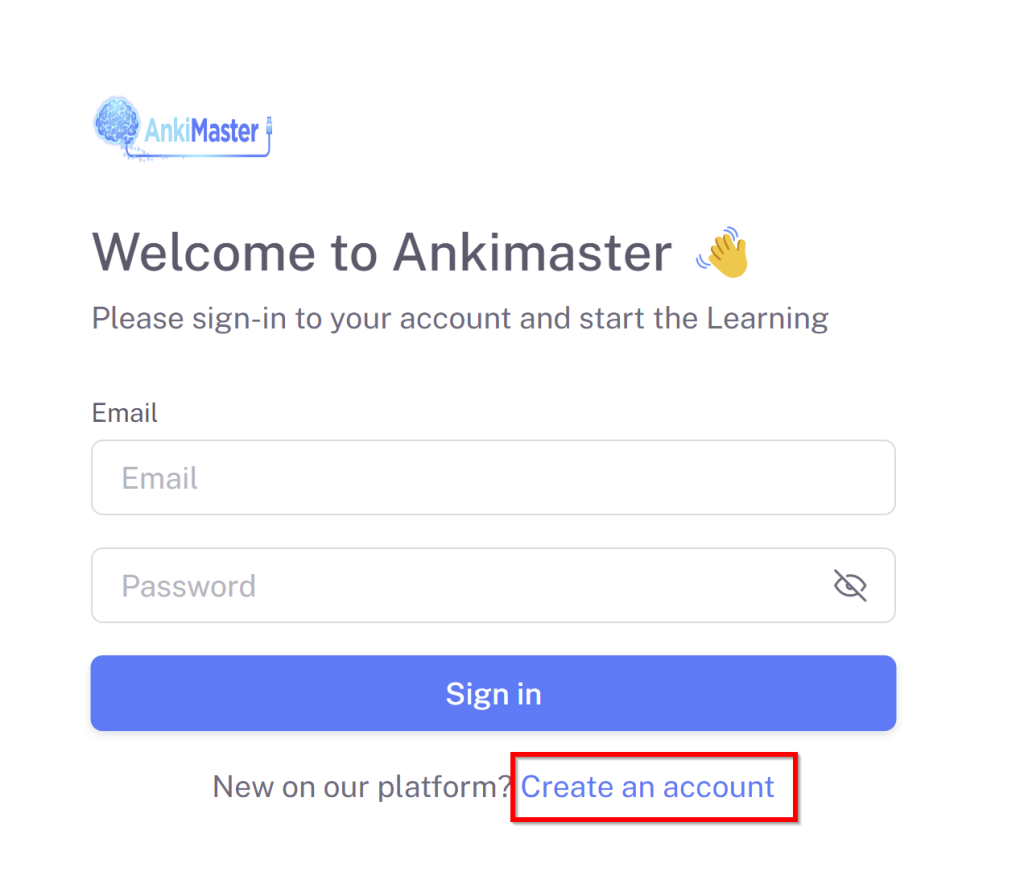
Click Create Account.
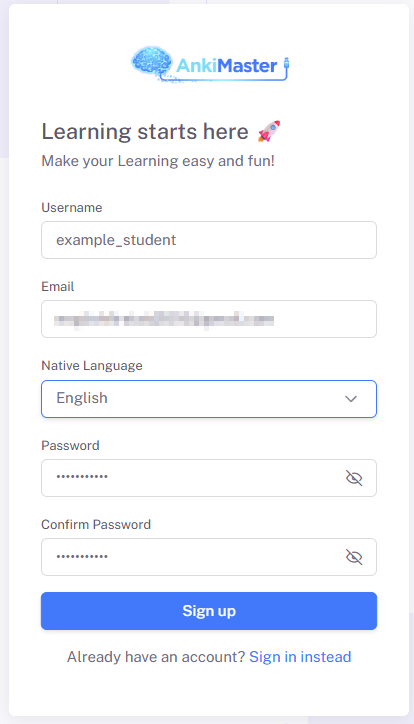
Enter your information. You will receive a confirmation email. Click the confirmation link in your email
Now you will see a screen like this.
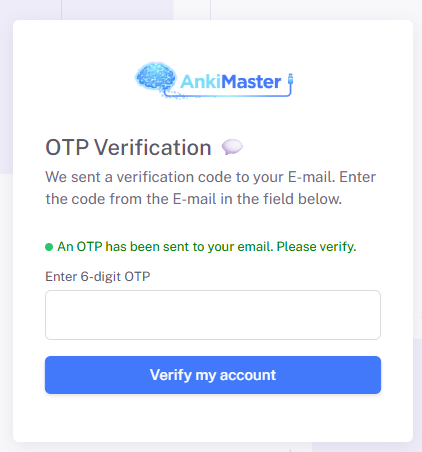
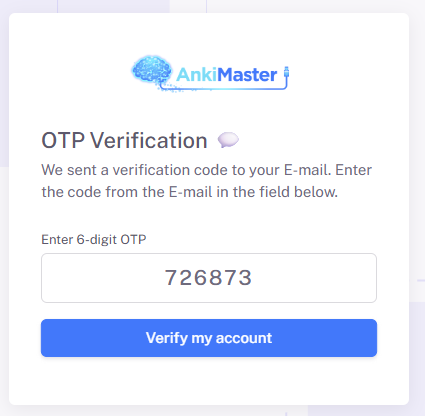
Check your email. You will find an email from AnkiMaster with a 6-digit code. If you don’t see the email, check your spam folder. Enter the code in the box. Click verify.
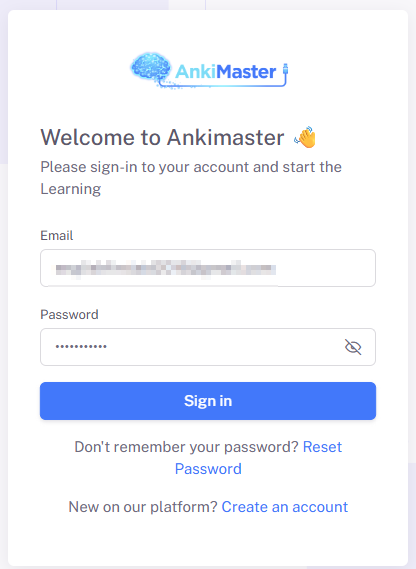
Now you can login. Enter your email and password
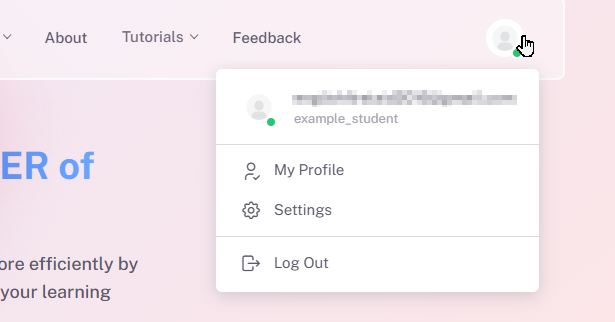
After I log in, I can click the profile icon in the top right corner and see that I am logged in.
Leave a Reply
You must be logged in to post a comment.