
Intro
Before you buy a game, you need to check if the game you want to play can run on your computer. You don’t always have to have a new computer to play a new game. However, some very high-quality games require a very high-quality (expensive) computer. In this tutorial, I’ll show you how to use the website systemrequirementslab.com to check if a game can run on your computer.
Tutorial
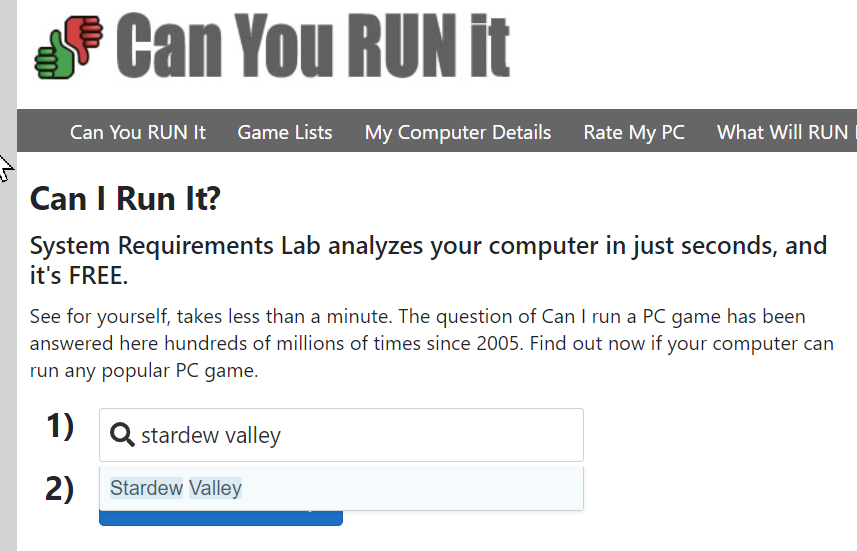
Go to systemrequirementslab.com. Search for your game and click Can You Run It?
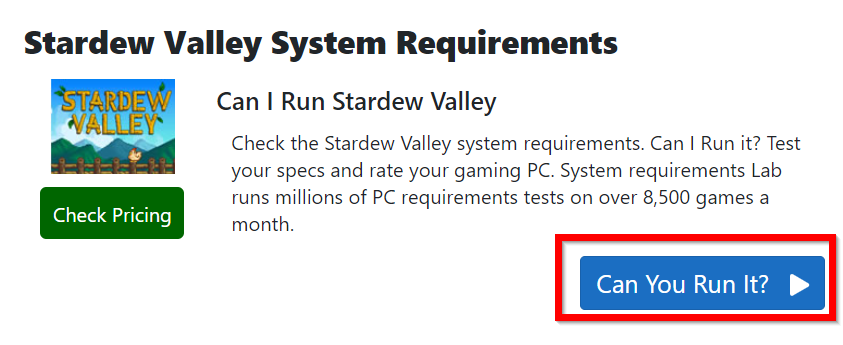
Click Can Your Run It? again on the next page.
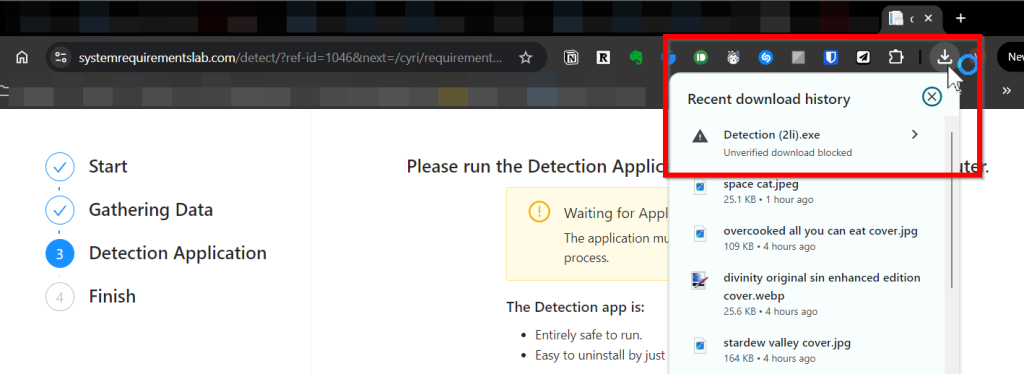
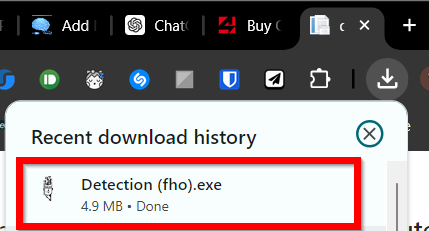
Your browser will download a file called Detection.exe. Allow it to download the file by clicking the little arrow.
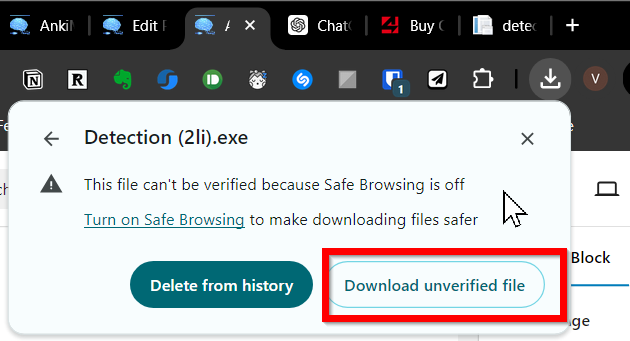
Click “Download unverified file”
Double-click the file when it finishes downloading.
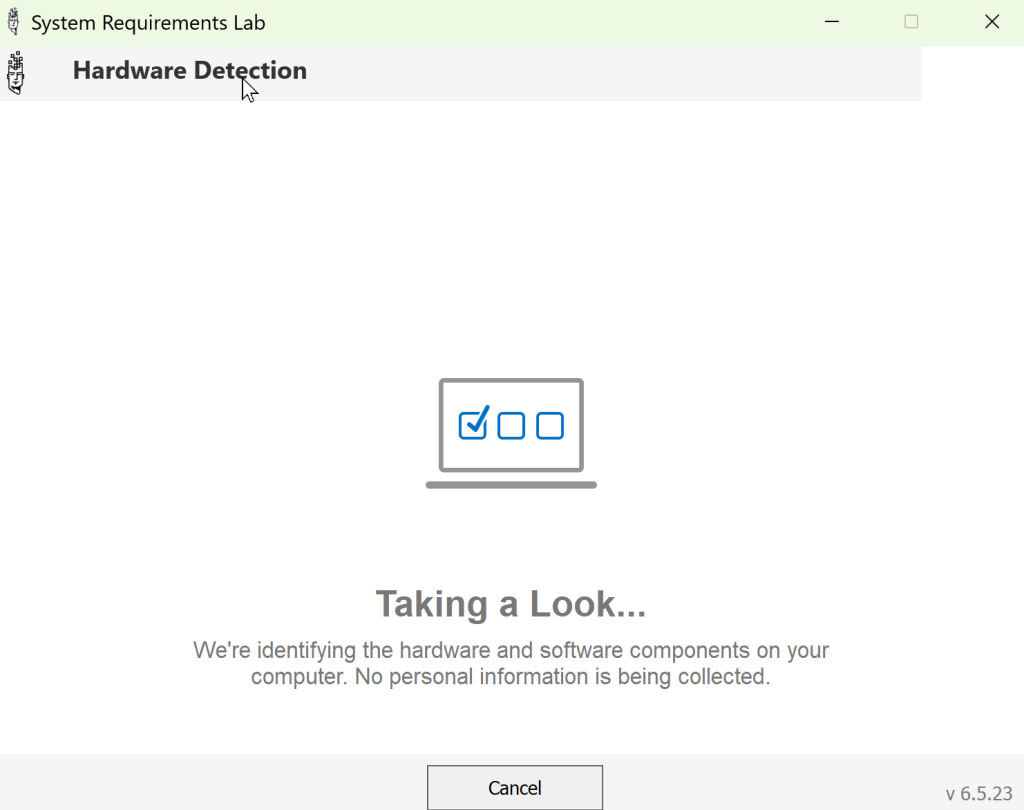
The app will analyze your computer’s hardware
After it finishes you will see a report back on the systemrequirementslab page.
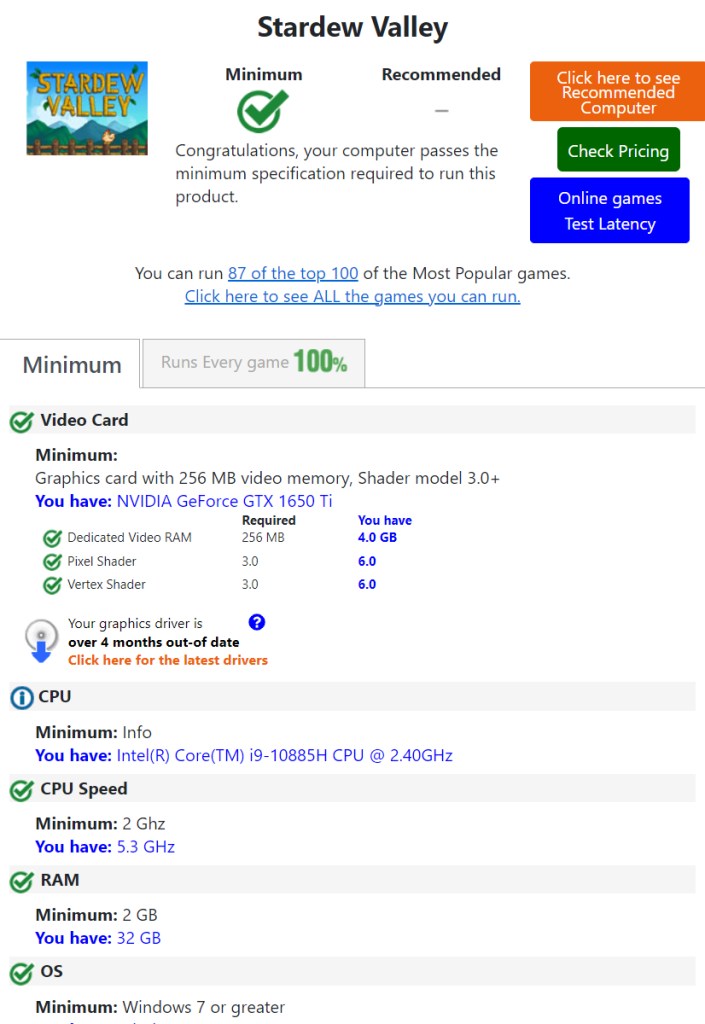
As you can see, this game will run just fine on my computer. Let’s check another game. I’ve searched Elder Scrolls Online. I don’t need to run the detection tool again. The website already has the information about my computer. I want to show you this example because it appears that my computer cannot run this game.
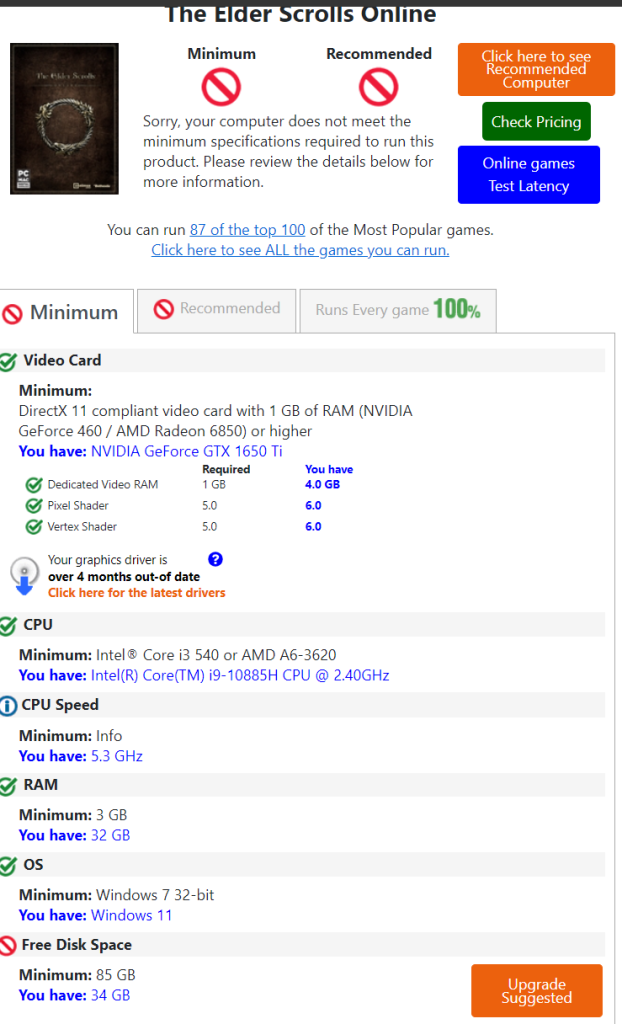
But if you look more closely, you can see I have all the requirements except for the disk space.

If I delete files on my hard drive I would have all the requirements. Actually, I already have this game installed on my computer so that is why my disk space is so low 😂. Elder Scrolls Online is a huge game!
Final Tips
Always check the report from systemrequirementslab.com carefully. Many modern games can run on older computers.
Leave a Reply
You must be logged in to post a comment.