Update your profile
If you are receiving emails that are not relevant to you and want to update your email preferences, just click the link at the bottom of one of our emails.

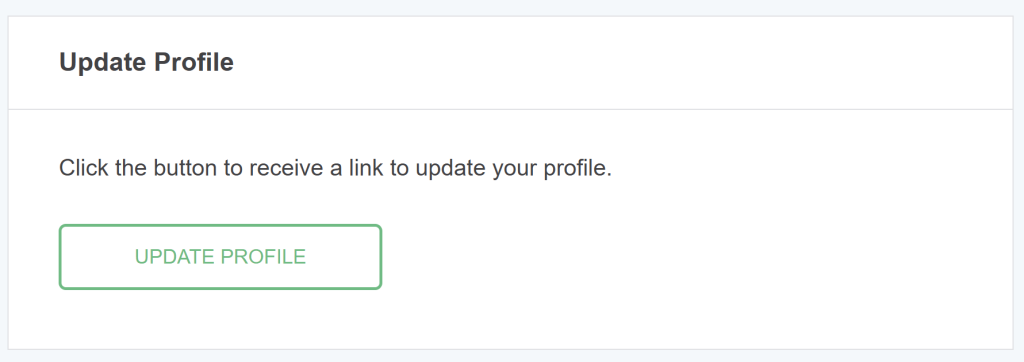
Next, you will see a page like this. Click the button.
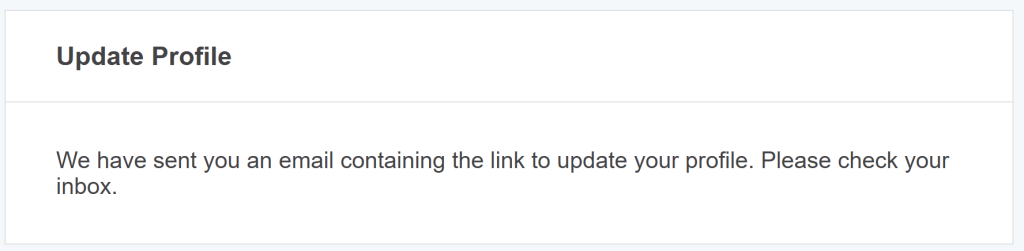
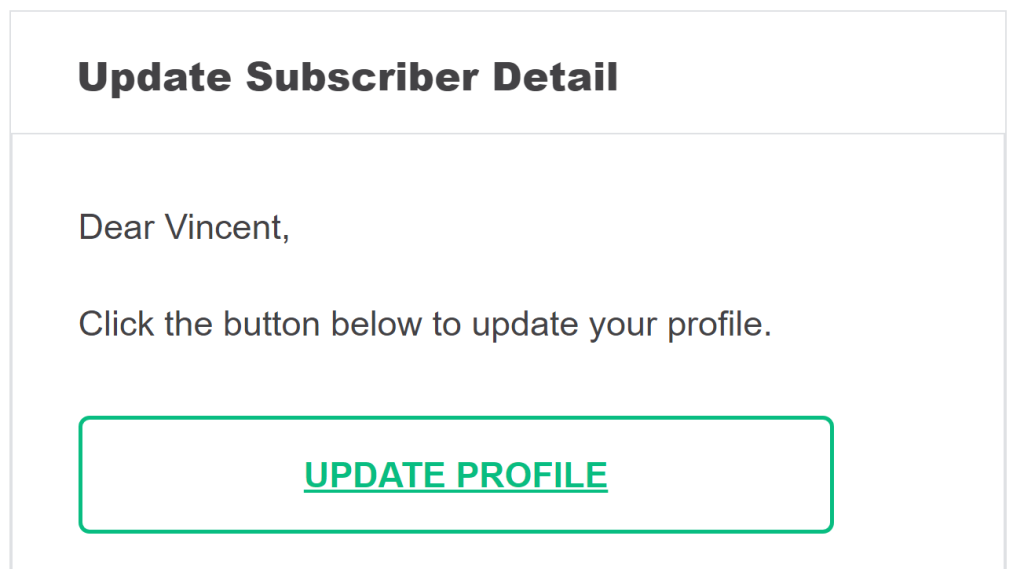
Check your email to update your profile. Click the button.
Update your profile details here. These basic details will help me send more relevant information to you.
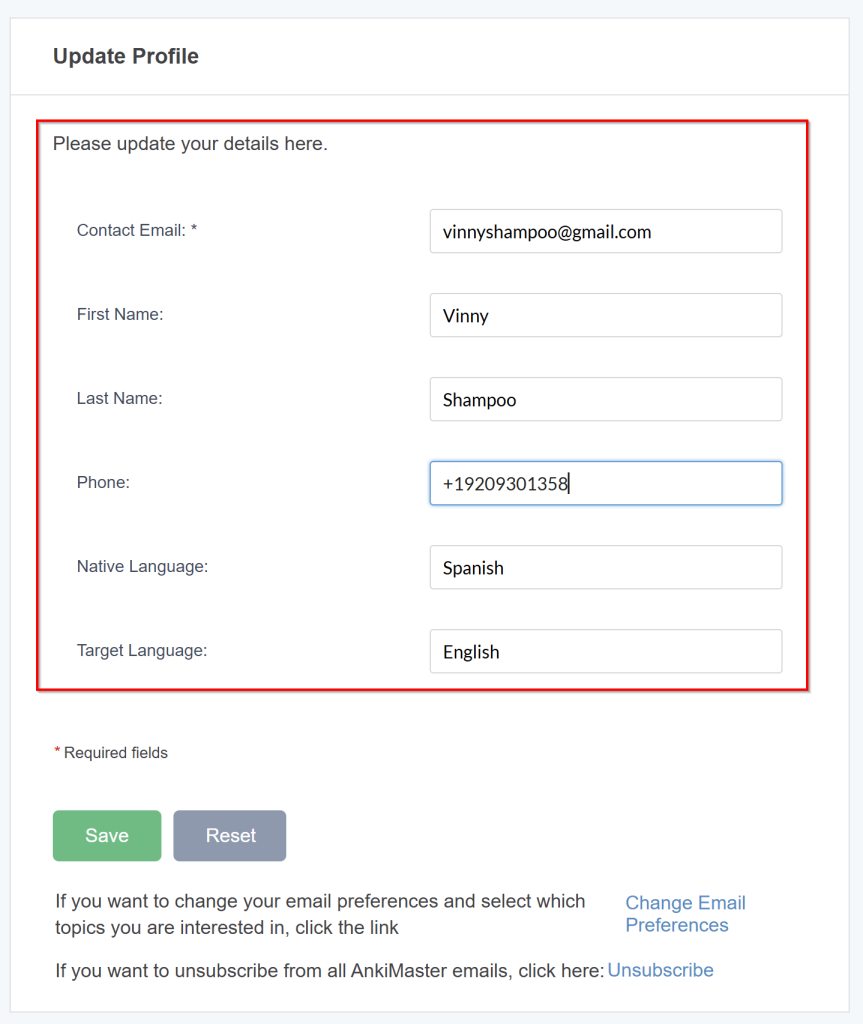
Make sure to click Save.
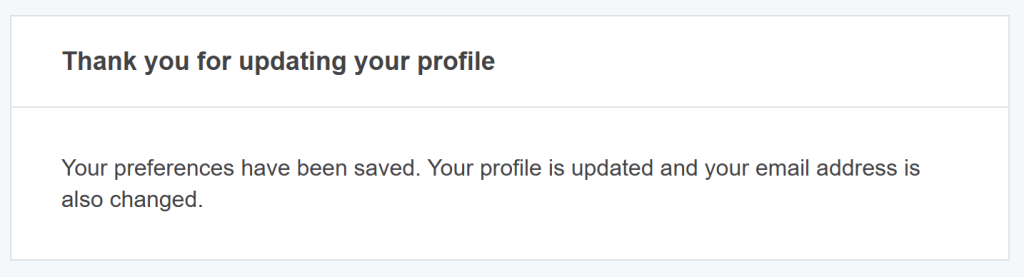
Update your email preferences
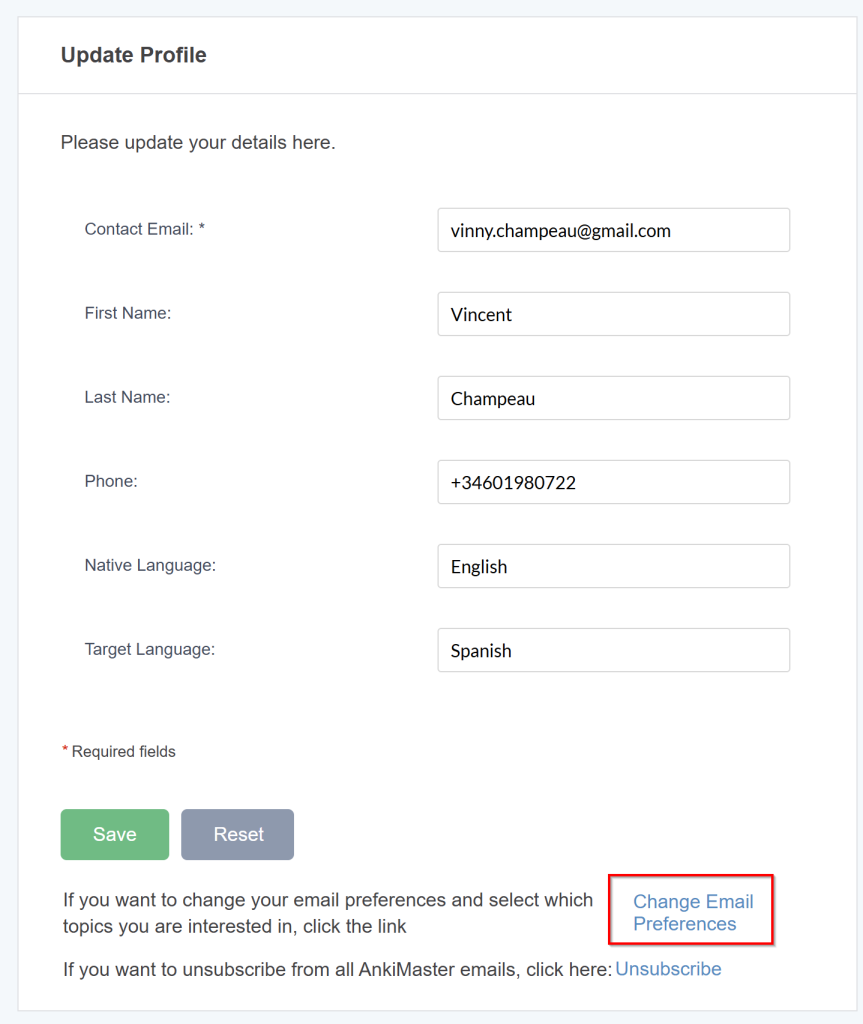
You can choose which emails you want to receive by customizing your email preferences. Go back to the Update Profile email and click the button again.
Click “Change Email Preferences” at the bottom.
Select the topics you’d like to stay informed about and click “Save Preference”
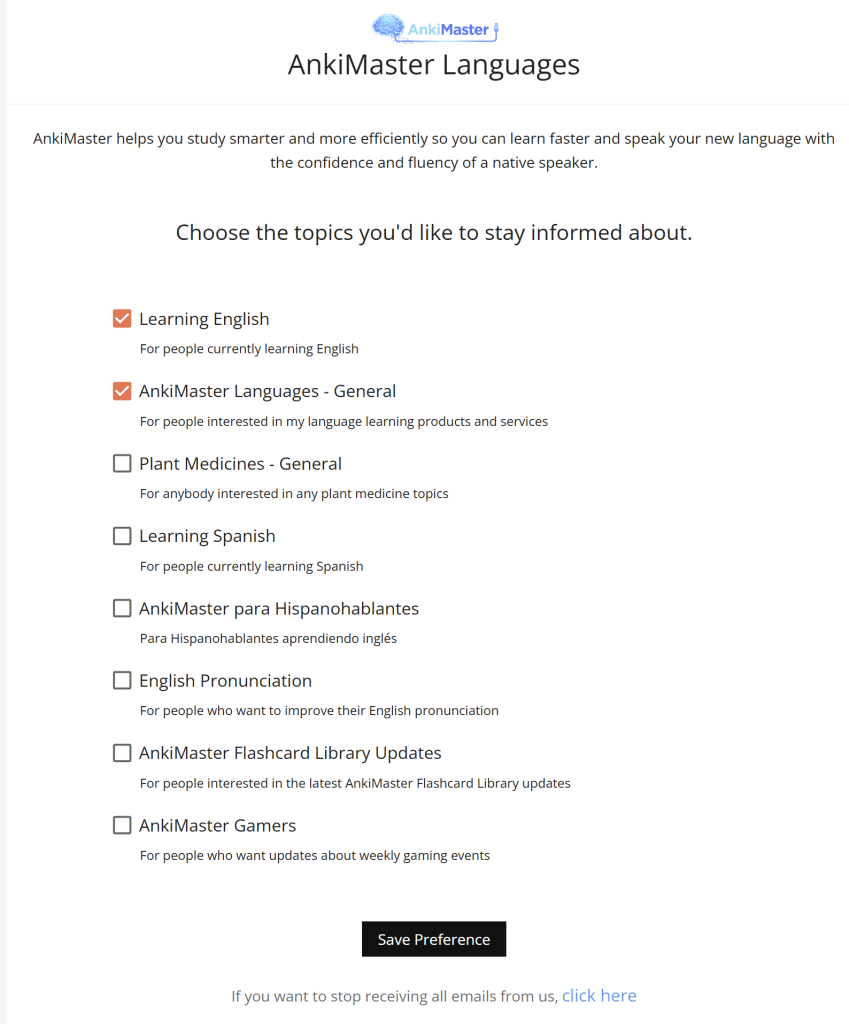
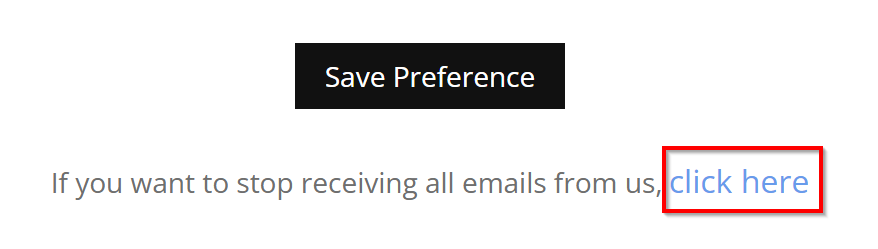
If you don’t want to receive any emails from AnkiMaster, click the link below the button.
Leave a Reply
You must be logged in to post a comment.