
Intro
If you forget your AnkiWeb password, you can reset it at the AnkiWeb.net website.
Tutorial
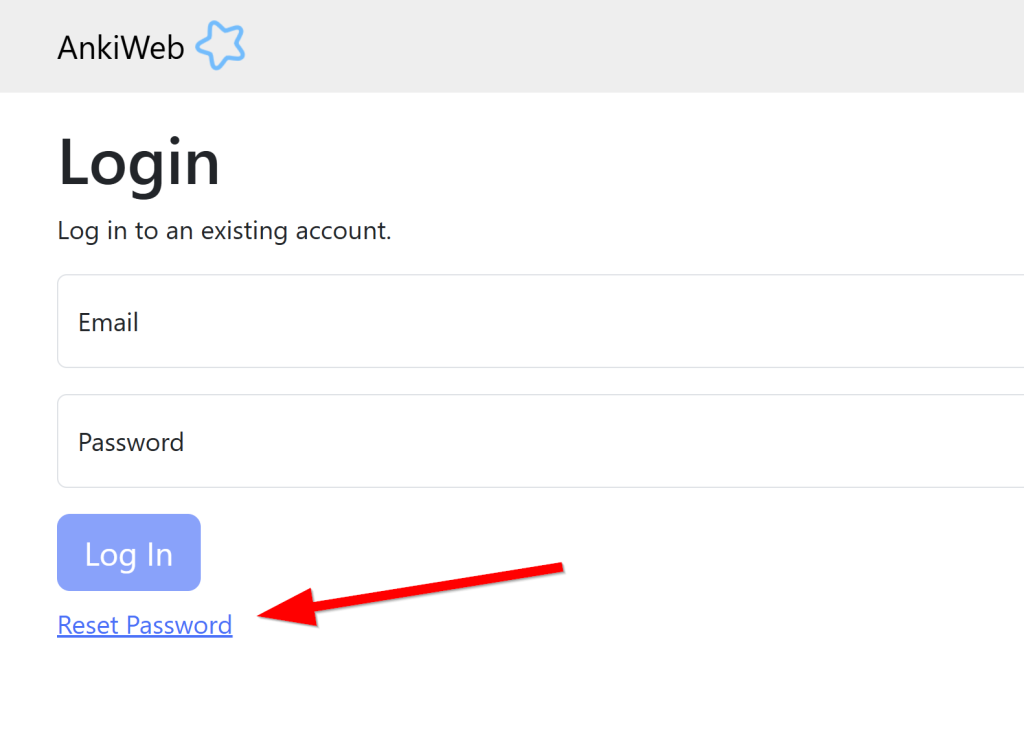
Go to AnkiWeb.net and click the reset password link.
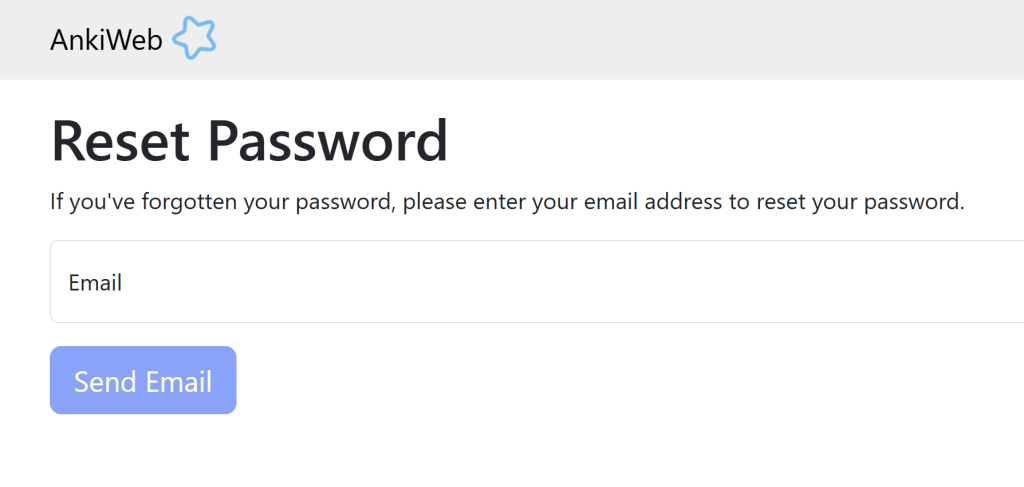
Enter your email into the box and click Send Email
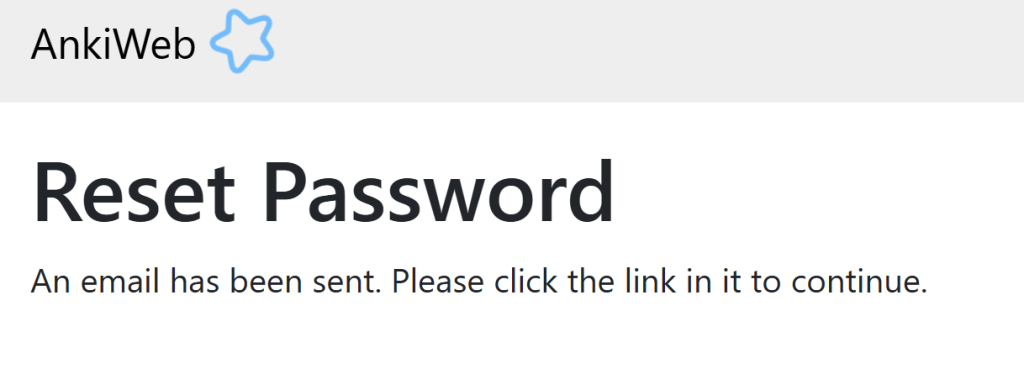
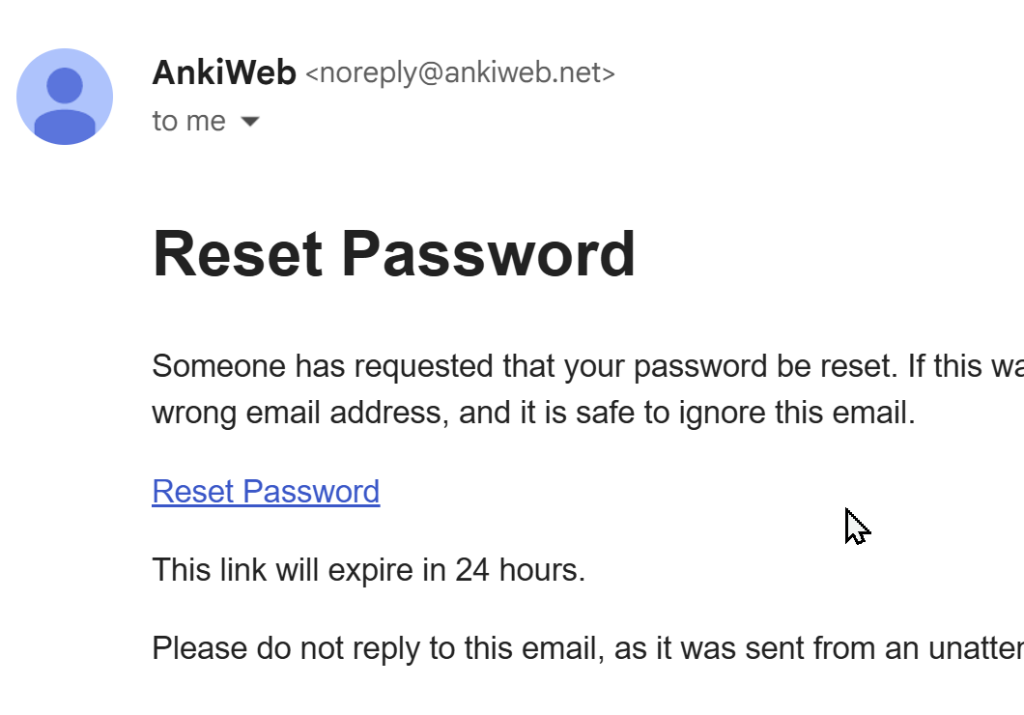
Check your email. If you don’t see the AnkiWeb email, check your spam folder. Click the Reset Password link.
Enter a new password. Write your password down. Save it in several places so you never forget it. You don’t need to use a very difficult password. Nobody is going to steal your flashcards. You can use an easy password.
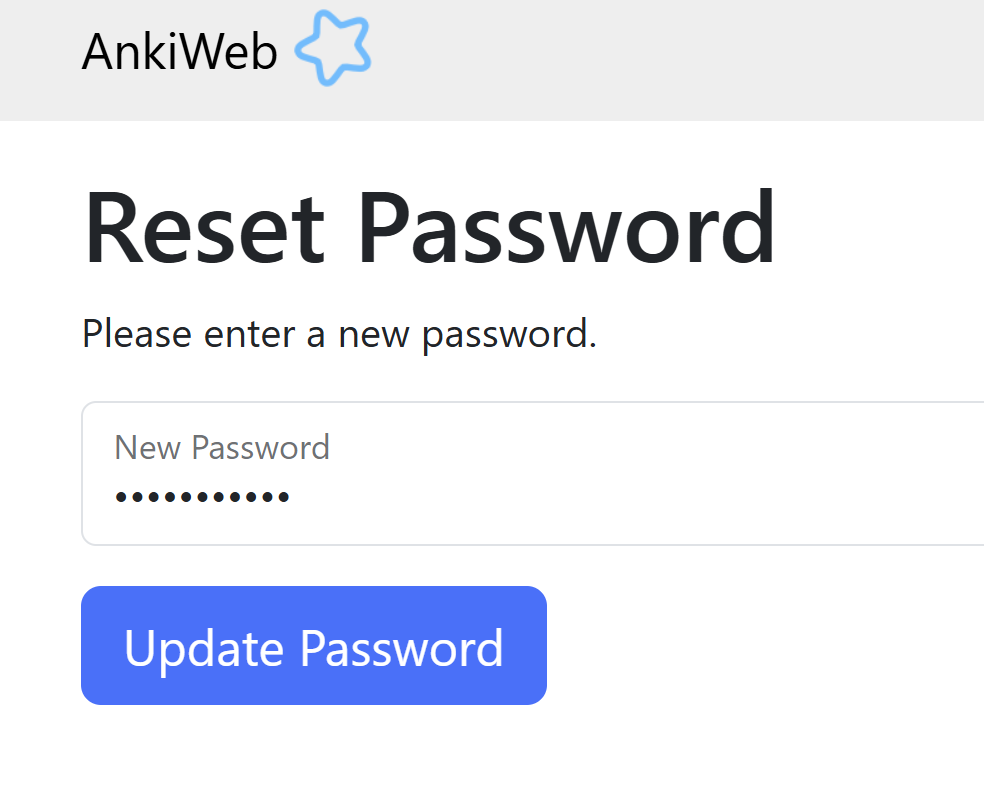
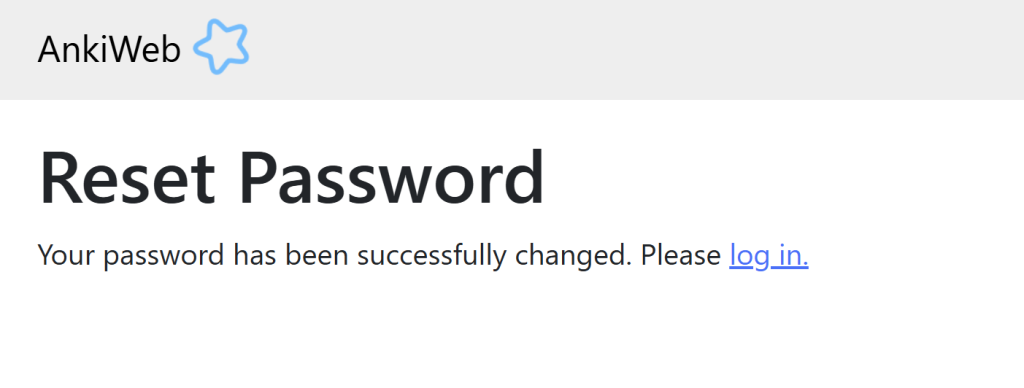
Click log in. Enter your email and NEW PASSWORD.
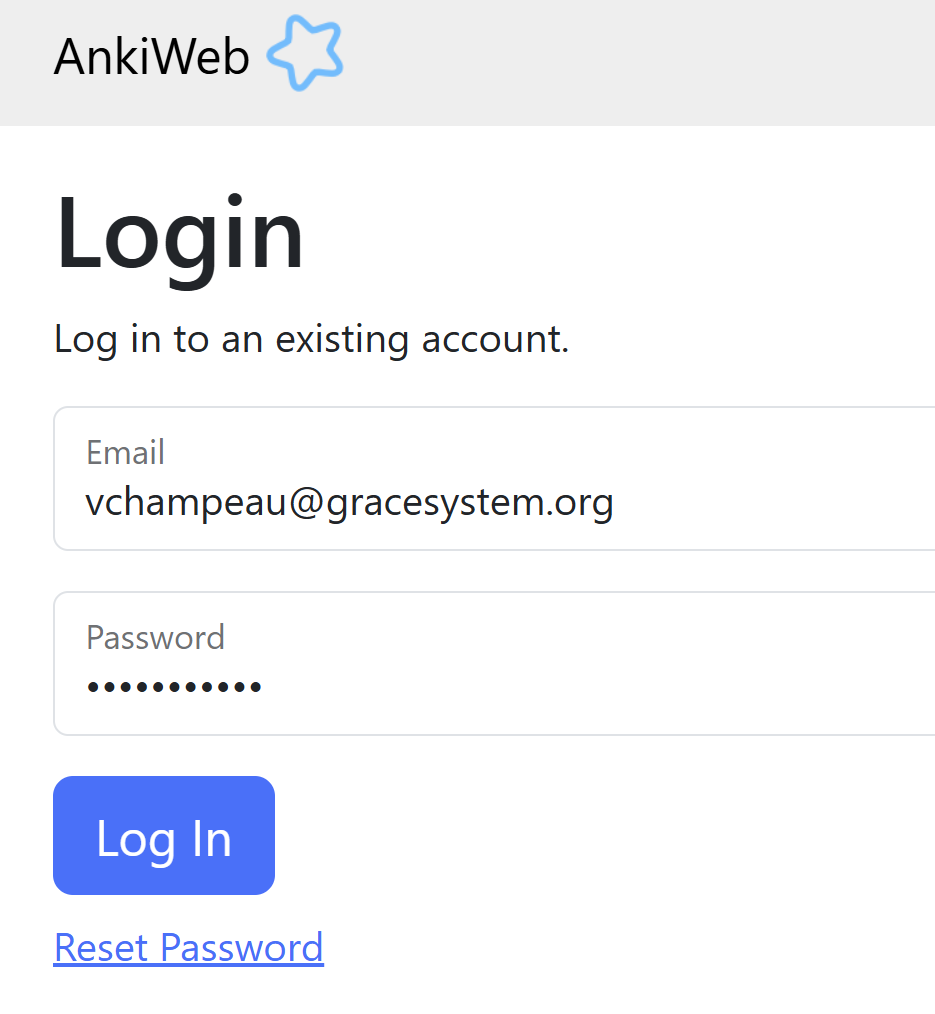
If your new password does not work, you must have made a mistake when you wrote it down. Unfortunately, you will have to reset your password again. Whenever you create a password, please be extra sure to remember your password and write it down.
Update your password in the AnkDroid app
Your Anki app is still saving your old password. You need to update it. Open Anki and click the synchronize button.
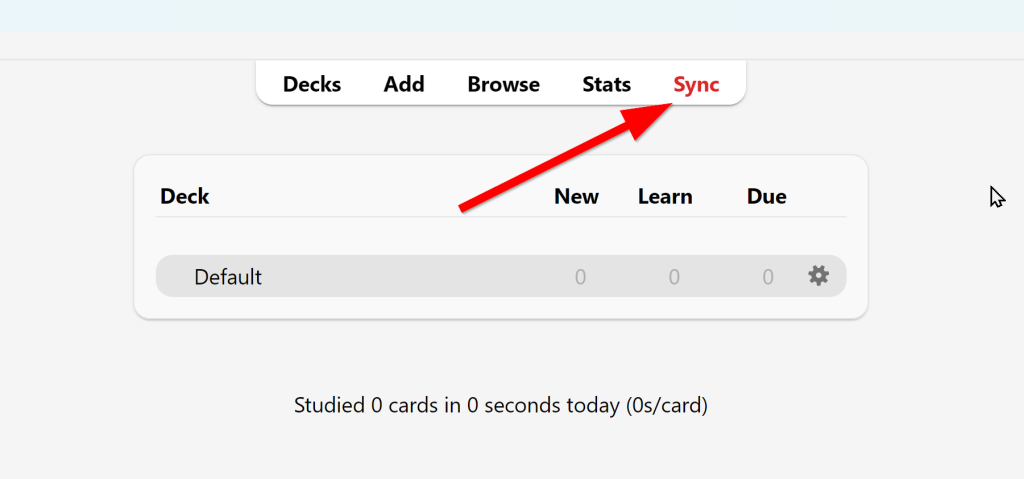
When you see this box, enter your AnkiWeb username and new password and click ok.
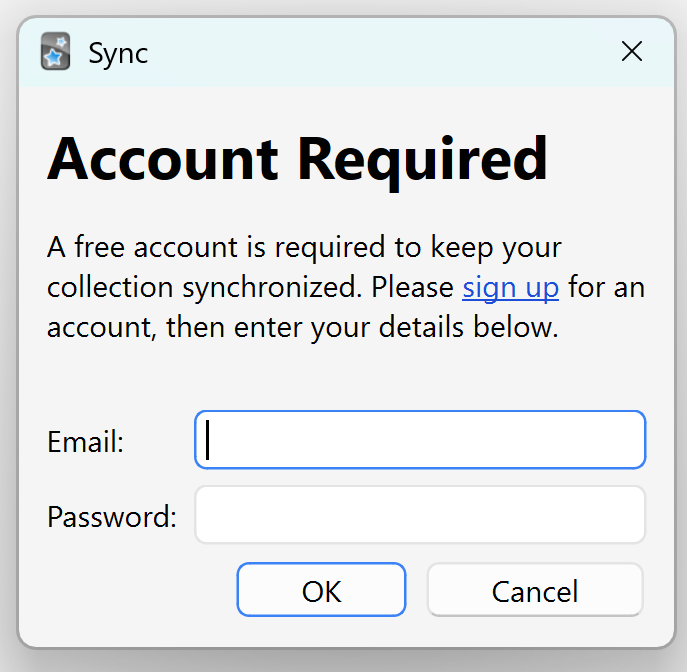
Wait for the app to synchronize.
Repeat this process for any other devices that you use to study your flashcards (iPhone, tablet, etc.)
Leave a Reply
You must be logged in to post a comment.