Using a VPN and not getting caught
I highly recommend using a VPN, especially if you are in the United States. Using a VPN will make your torrenting activity undetectable to your ISP (Internet Service Provider).
There are many VPN options. I can recommend Express VPN.
Once you’ve downloaded and installed the software, open the VPN and click connect.
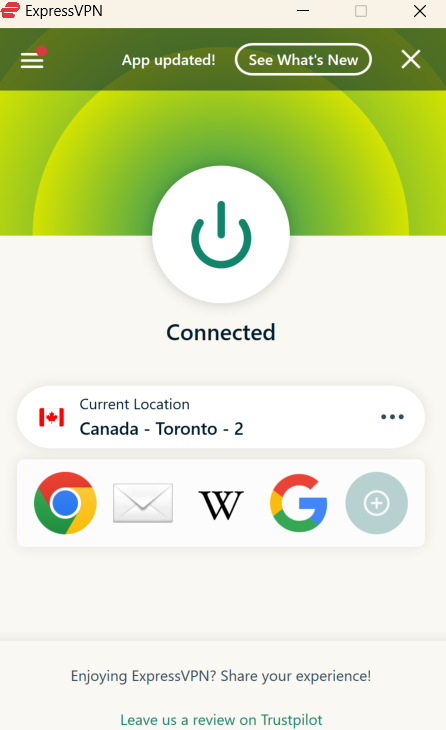
Make sure it says “Connected”. Now you are ready to download torrents safely and anonymously.
Download and install qBittorrent
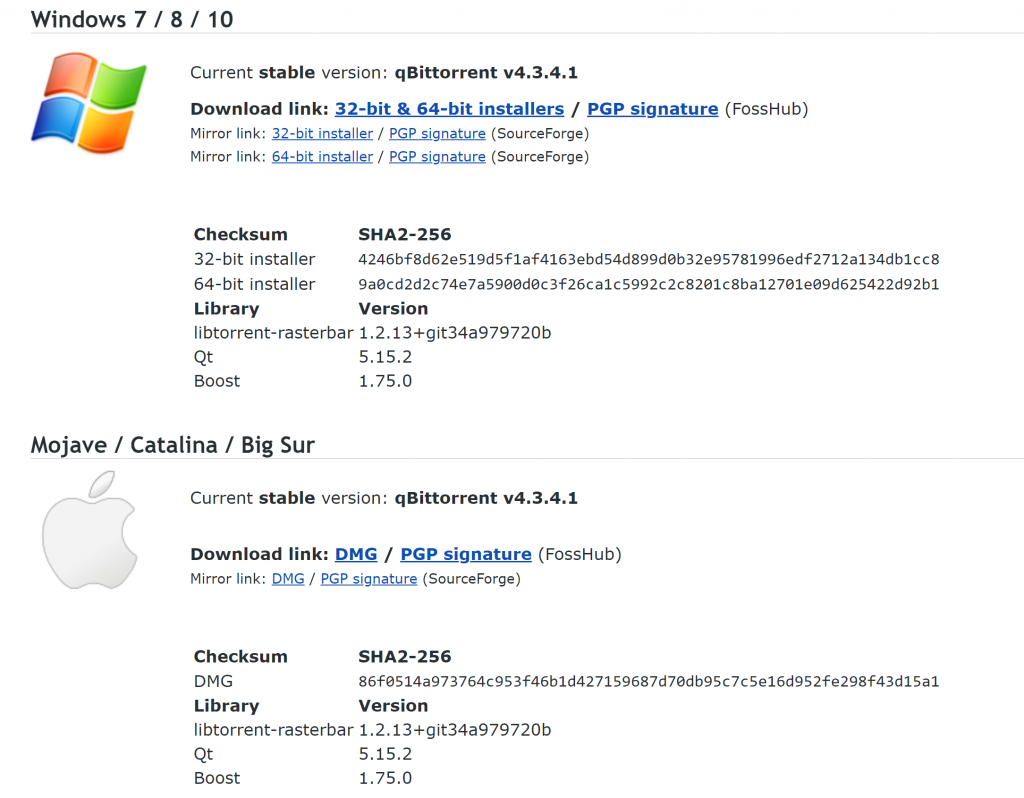
Go to qBittorrent.org to download the application for downloading torrents. Download the appropriate version for your computer. Simply open the file and follow the installation process.
Click on the finished download
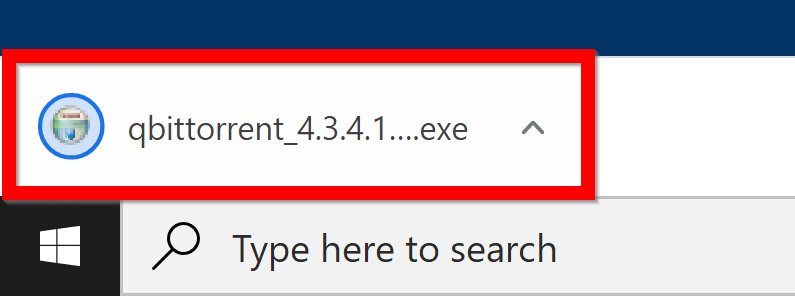
This application is safe. Click Run.
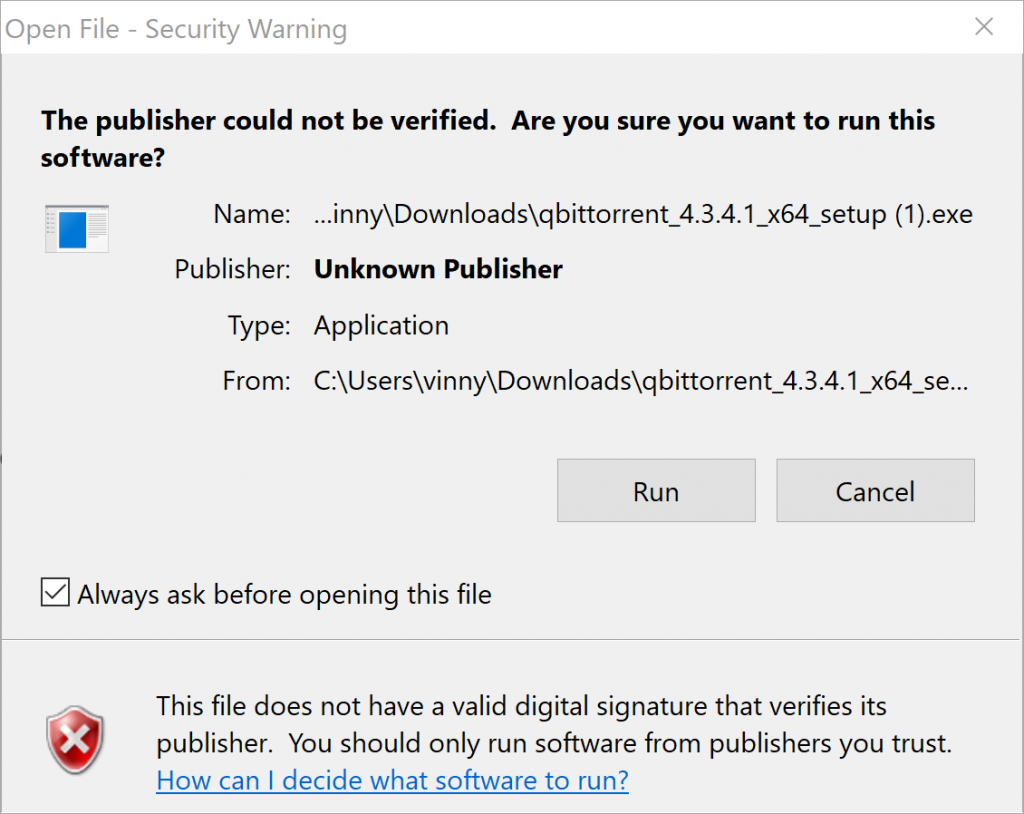
Continue through the steps of the installation process.
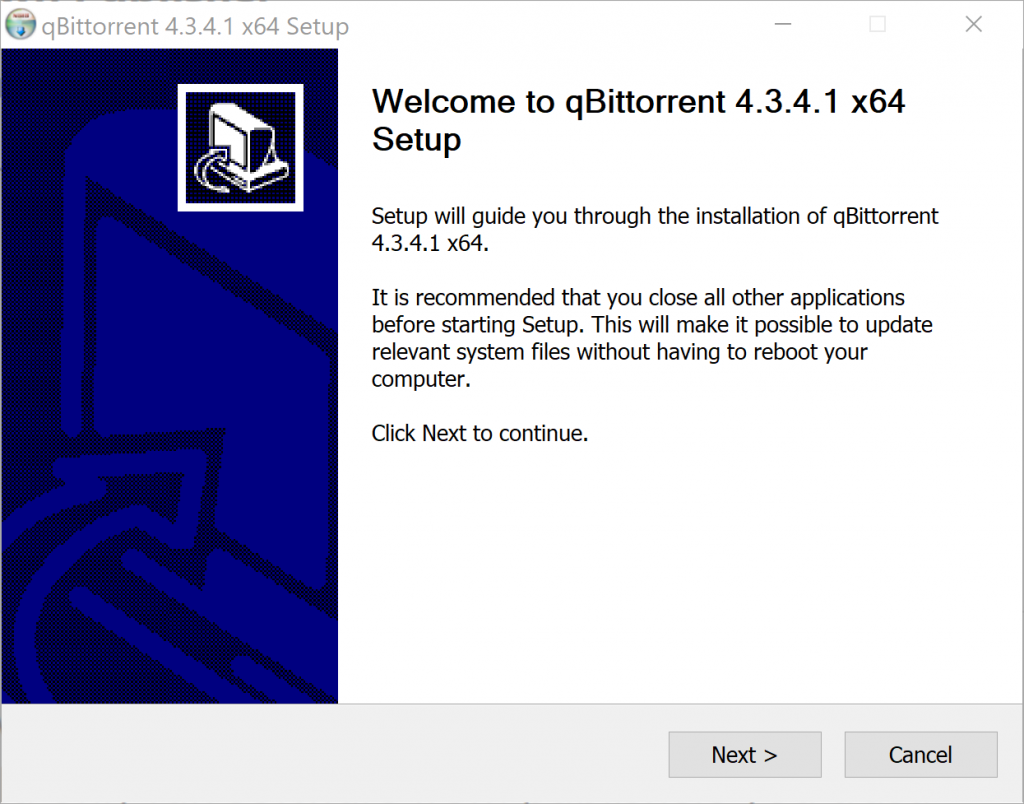
That’s it for installing qBittorrent.
Using qBittorrent
You will use qBittorrent to download files with the links in this guide. When you click on the links, you will see a page like this:
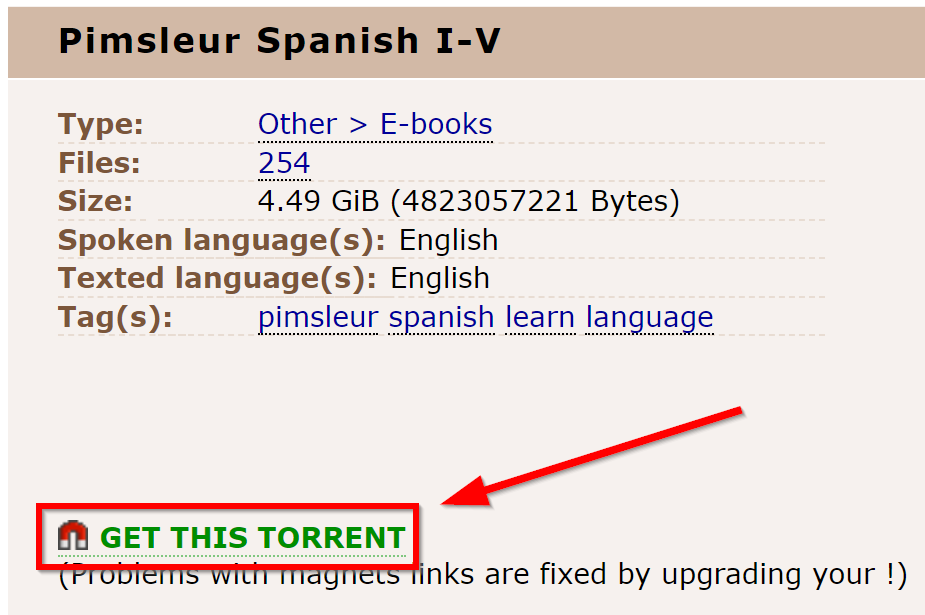
Click on the magnet link. When you see this window click “Open qBittorrent”
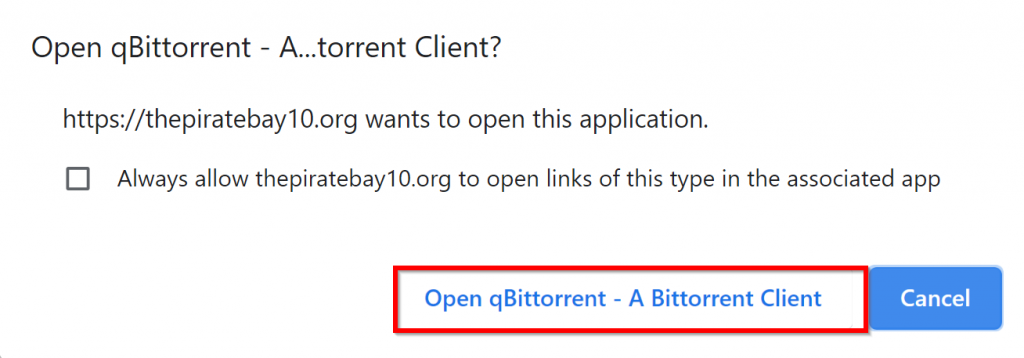
The next window will allow you to choose where to save the files. You can choose the Downloads folder or create more folders to organize the files better, as you can see in the screenshot below. Click ok to start the download.
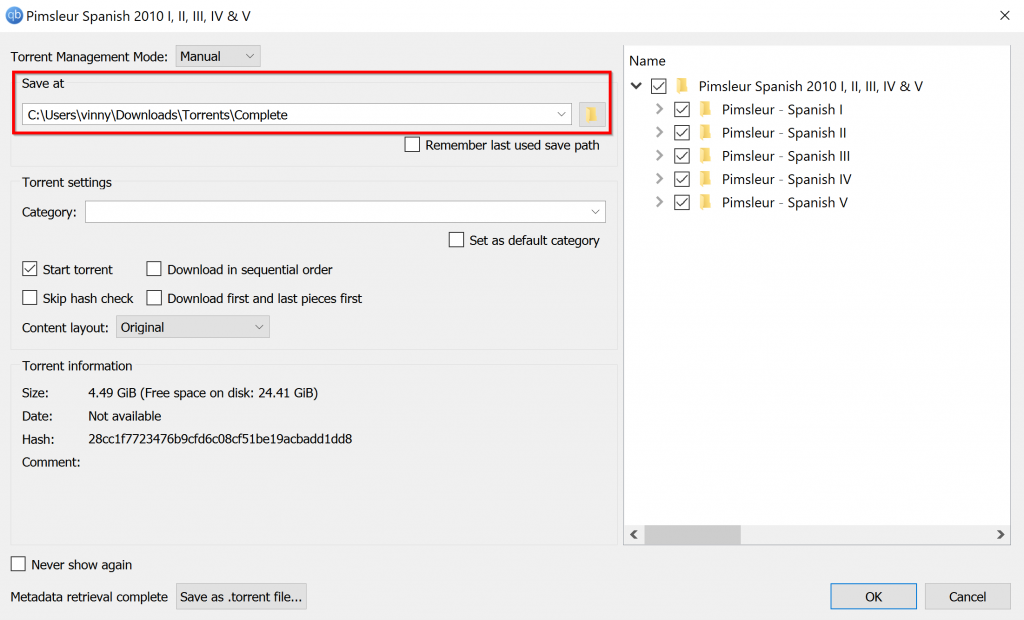
That’s it. Your computer is ready to download torrents!
WARNING
Do not turn off your VPN while you are downloading torrents. Including after it has reached 100%. You can disconnect from your VPN after you close qBittorrent. It’s possible to leak your torrenting activity if you disconnect from your VPN without closing qBittorrent.
Leave a Reply
You must be logged in to post a comment.