

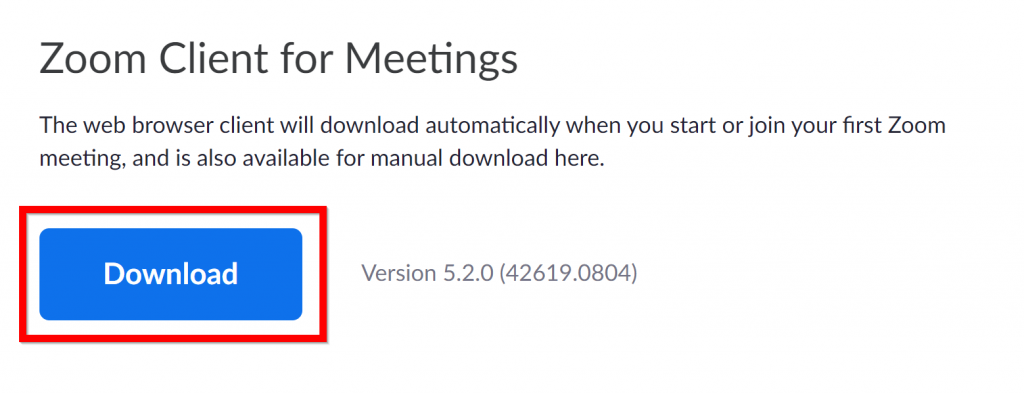
Download Zoom from their website. Choose Zoom Client for Meetings
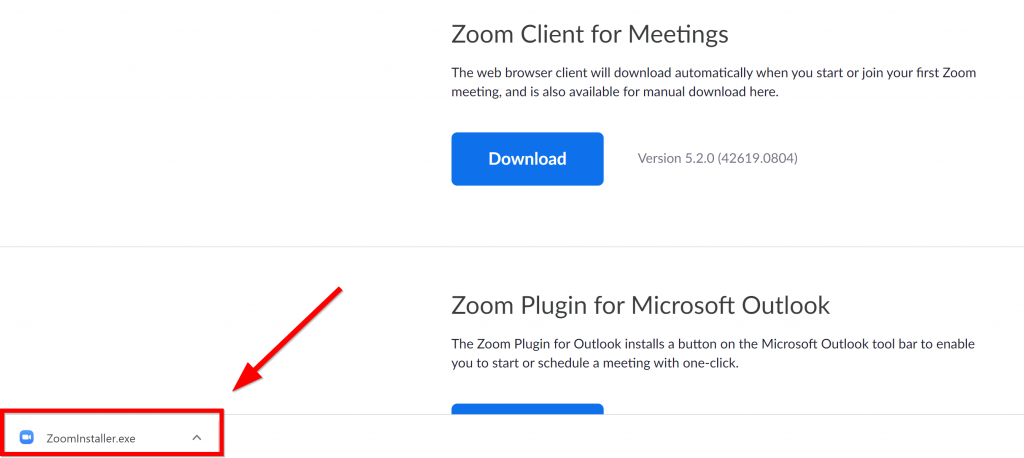
Open the install file.
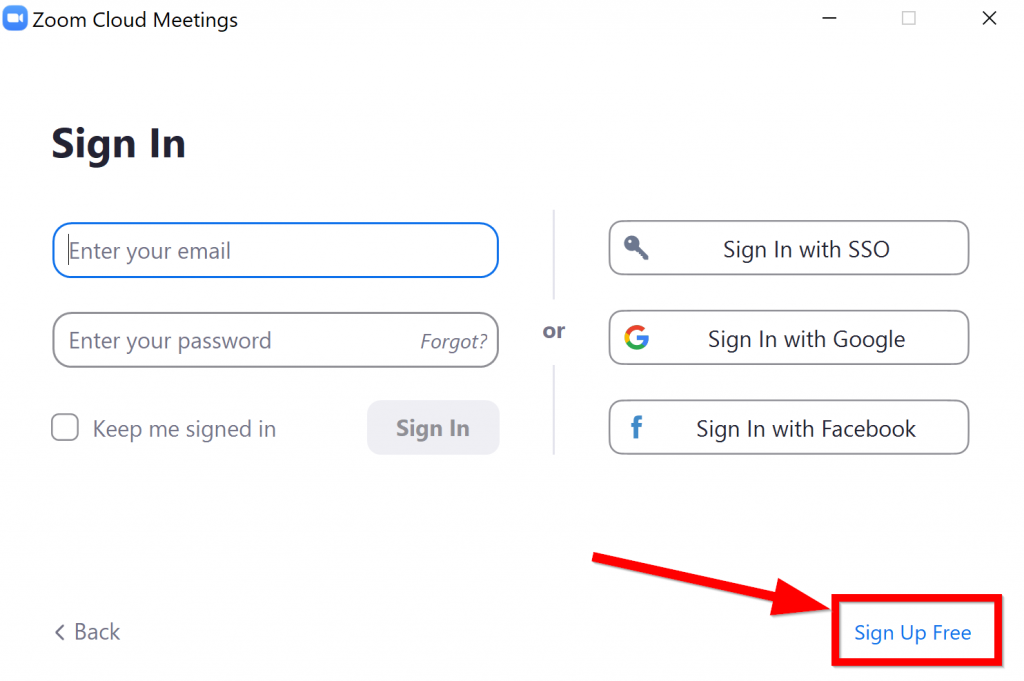
Follow the installation instructions. When you see this page, click Sign Up Free
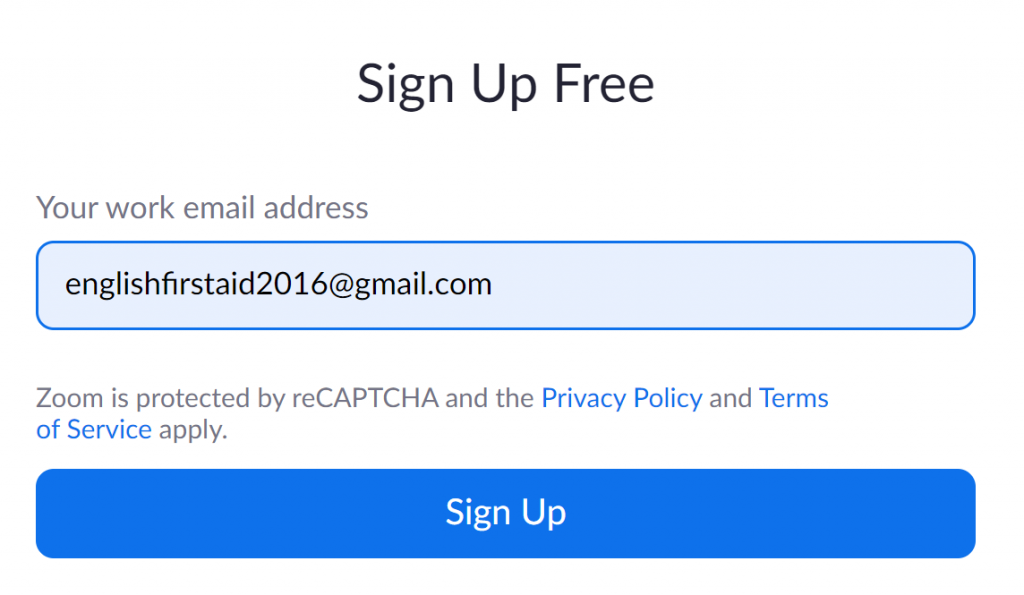
Enter your email and click Sign Up
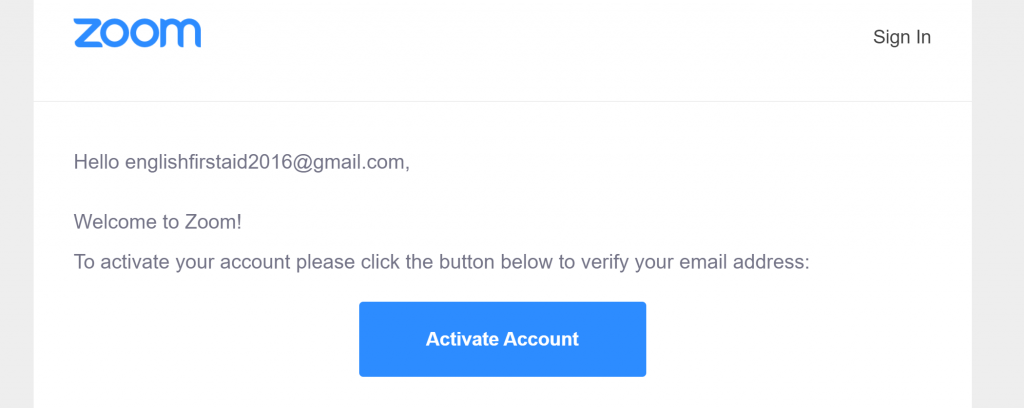
Check your email. Find the email from Zoom and click Activate Account.

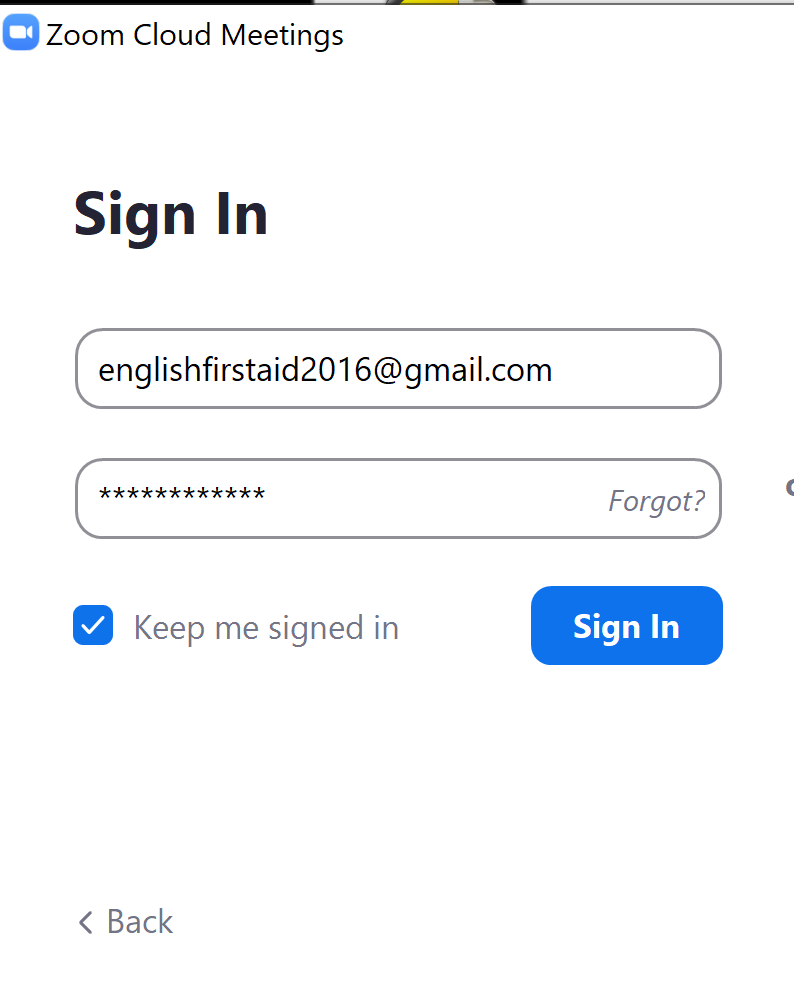
Go back to your Zoom application and enter your email and password.
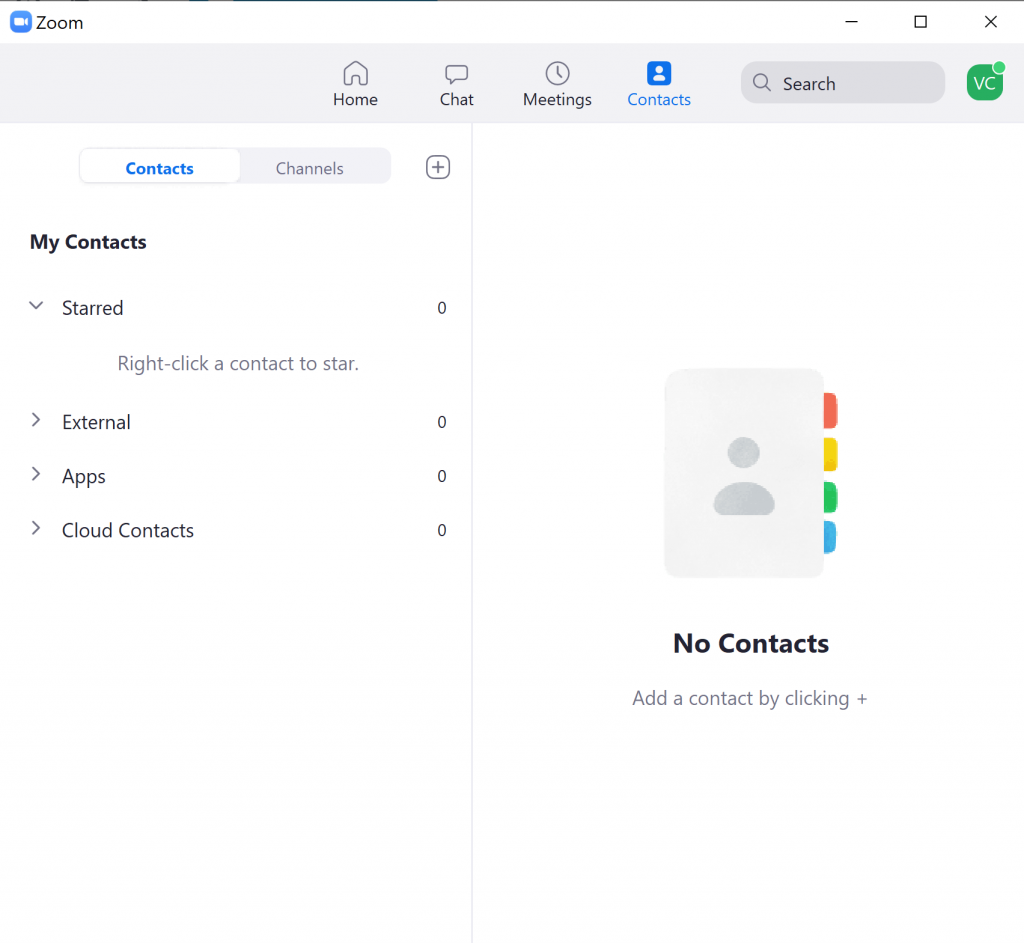
Now you can see the main menu of Zoom.
In the next tutorial, we are going to configure Zoom so you can avoid technical problems and have the best experience during your lesson.
Leave a Reply
You must be logged in to post a comment.