
Tutorial
Step 1: Download Anki
Go to the official Anki website and download the latest version:
Choose the version for your system:
- Windows
- Mac
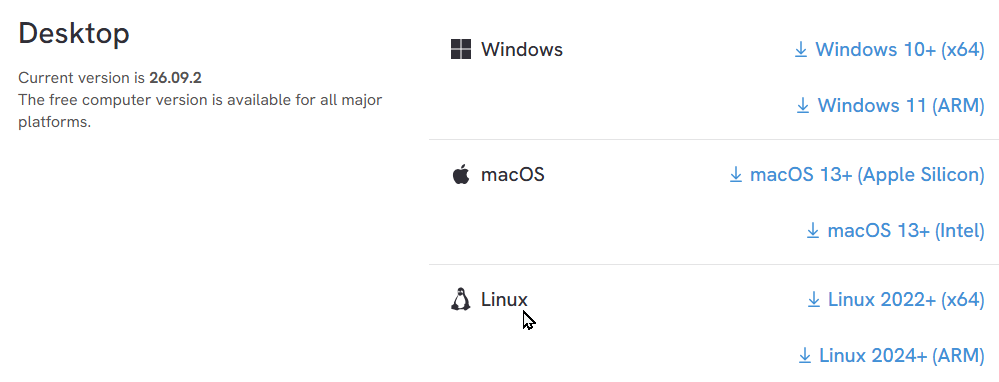
⚠️ Only download from the official website. Do not download Anki from other sites.
Step 2: Install Anki
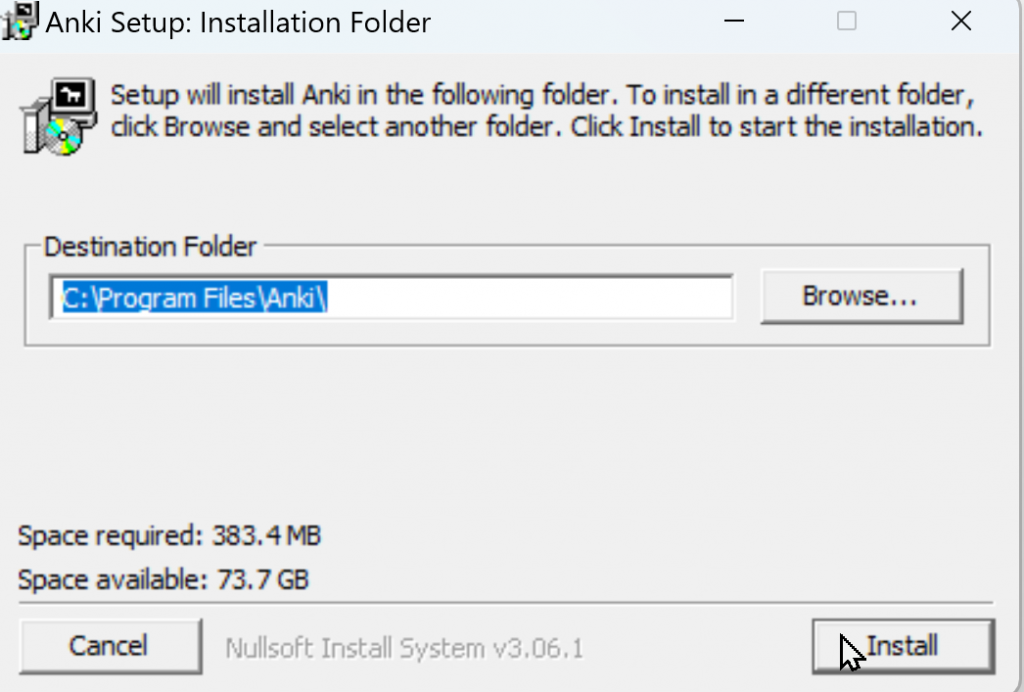
- Open the file you downloaded
- Click Install
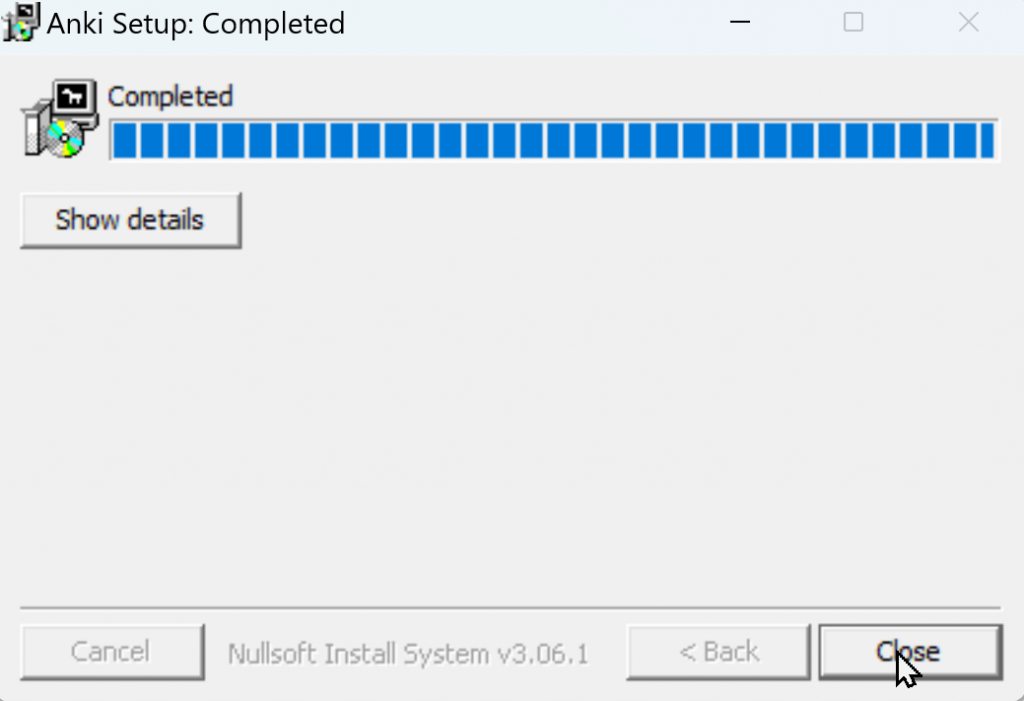
- Wait for the installation to complete
- Click Close
Step 3: Open Anki
- Search for Anki on your computer
- Open the program
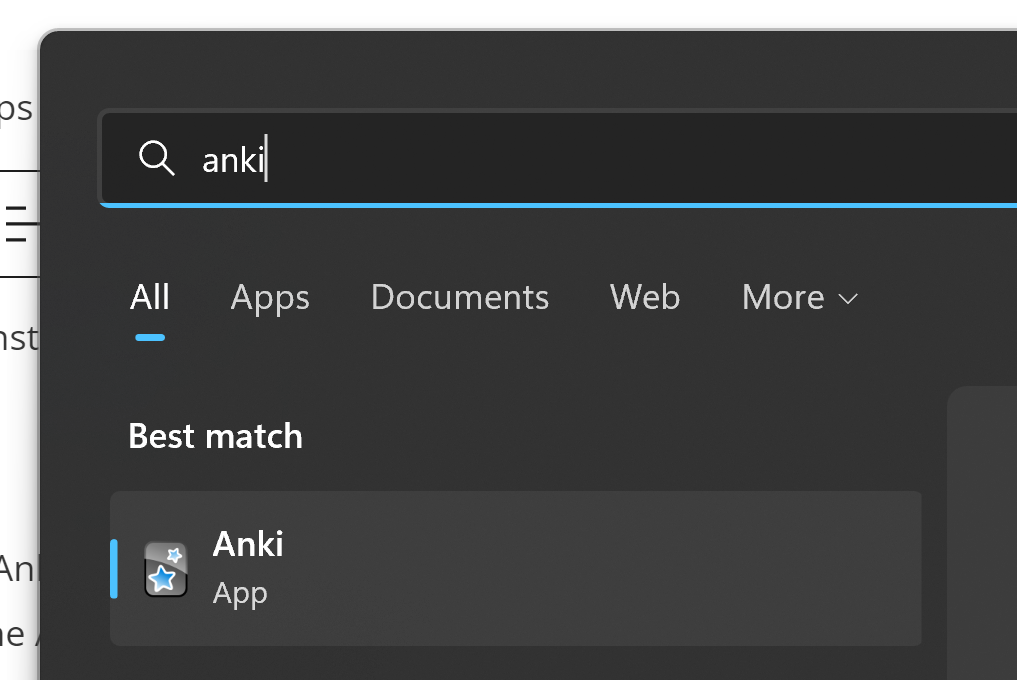
If Anki opens without errors, your installation was successful.
When you open Anki for the first time, you will not see any flashcards.
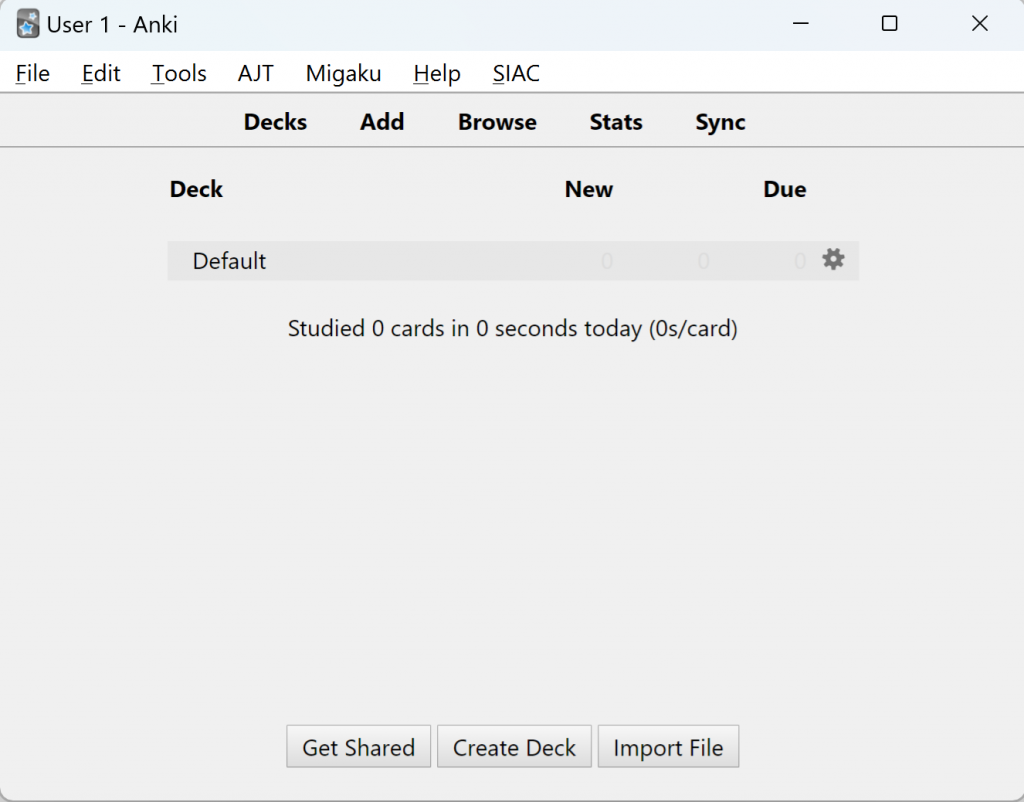
This is normal. Anki does not come with flashcards. You will add them in the next lesson.
Next Tutorial
As you can see, you don’t have any flashcards. You need to download a flashcard package and open it. See the next tutorial: How to collect and download flashcards.
Leave a Reply
You must be logged in to post a comment.