
Intro
In this tutorial, I will show you how to access your AnkiMaster flashcards. There are three ways to access your flashcards:
- AnkiWeb.net
- Anki app on your computer
- Anki app on your phone
Let’s look at how to use each option.
AnkiWeb.net
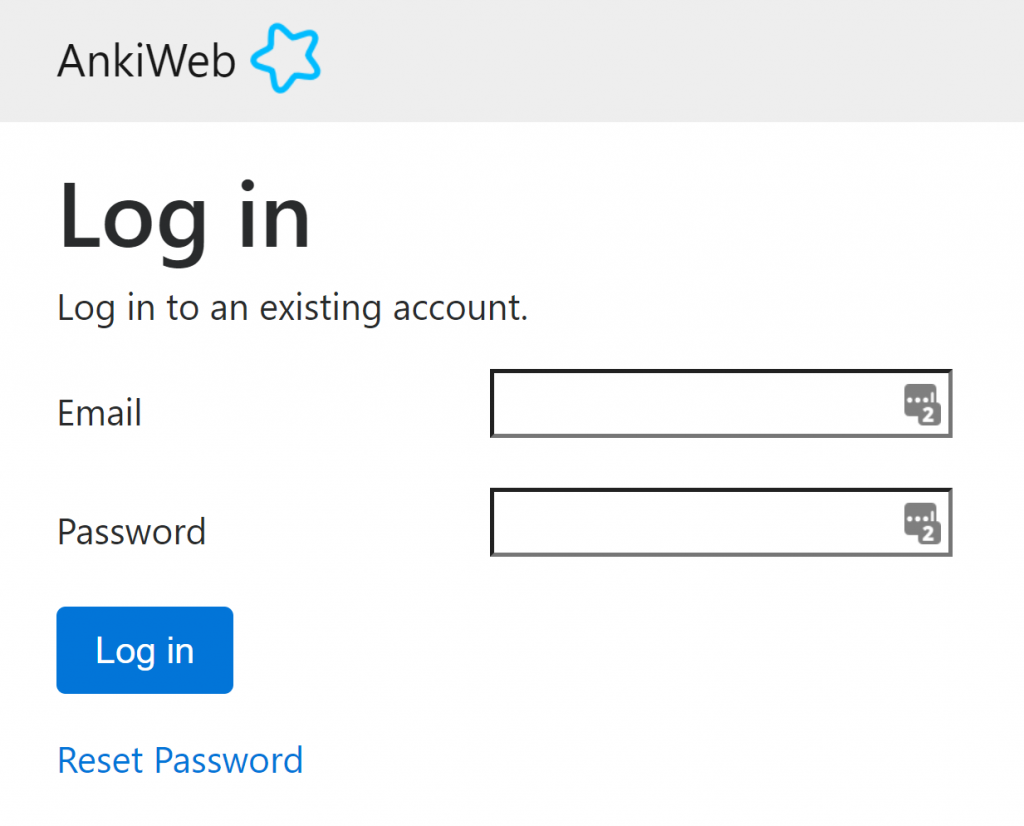
This is the easiest and fastest option. Go to the website AnkiWeb.net. Type your email in the first box. Type your password in the second. Click login.
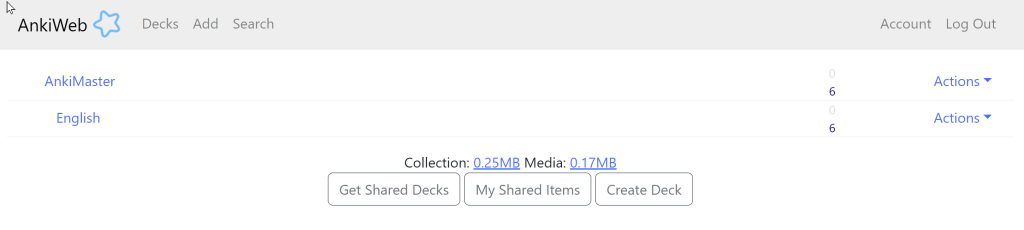
Here we can see the flashcards. Click on the name of the language to study the flashcards for that language.
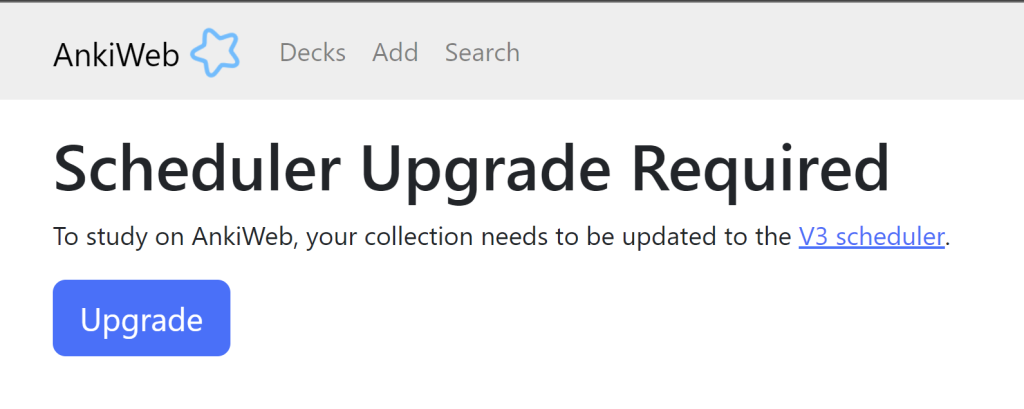
If you see this warning, just click Upgrade and continue.
You can study your flashcards from the browser window.
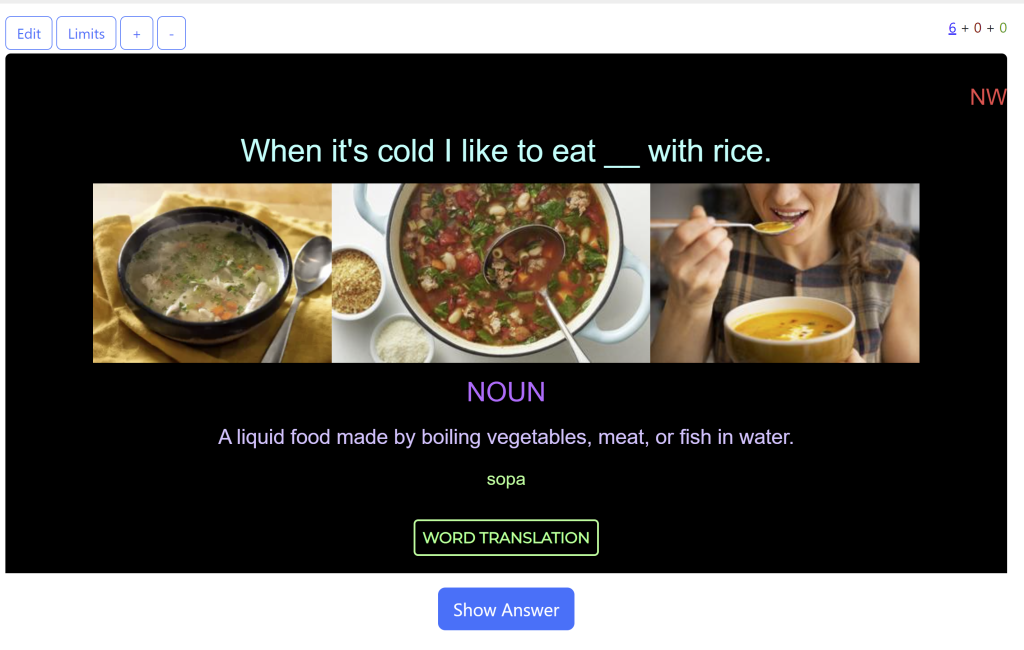
This is nice because you can access your flashcards from any browser. You can login to a school computer, your phone, your friend’s laptop, etc. and study your flashcards.
I don’t recommend studying this way because there are some disadvantages. A much better way to study is with the Anki app on your computer or your phone.
Anki app on your computer
If you’ve been following my tutorials from the beginning, you should already have the Anki app on your computer. If not, go to How to download and install Anki and follow the setup process. To access your flashcards on other devices, simply synchronize your Anki app on your computer to your AnkiWeb account.
Anki app on your phone
You can download Anki on the App Store for your mobile device.

Unfortunately, Anki is not free for iPhone and it’s kind of expensive ($24.99), but you only pay once and then you have the app forever. There are no subscriptions. If you don’t want to buy the app, you can always study your flashcards from your computer or use AnkiWeb. Anki is my most useful study tool so I would prefer to pay $25 so I can access my flashcards anytime. That’s a very small price to pay to have a very powerful tool available to you all the time.
When you first open the application, you will be able to enter your email and password to synchronize your account.
Sync your flashcards regularly!
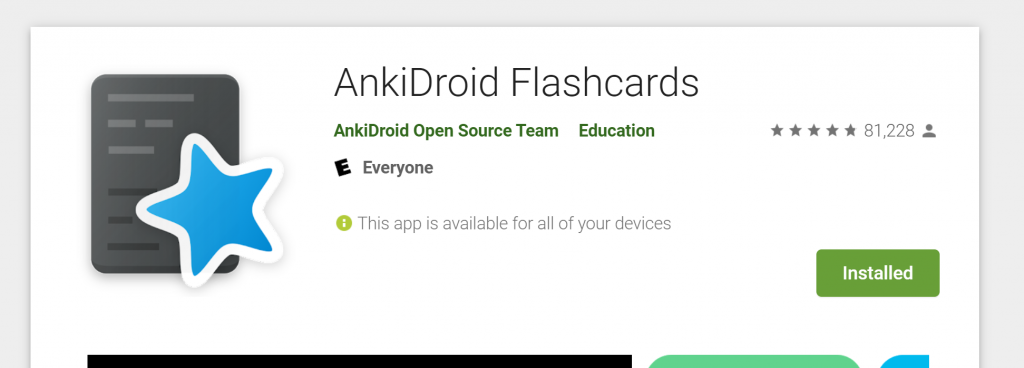
You should sync your flashcards every time you study. When you sync your flashcards, it will update your AnkiWeb. If you study at home, make sure to sync your AnkDroid before studying again on your other devices. If you don’t sync it, you will lose some study data.
Extra Tips
Many students have told me that having Anki always available on their phones helped them to study more often and more consistently. With the app on your phone, you can study anytime and anywhere.
When I was learning Spanish, Anki was the app I used the most. Whenever I had a few minutes, I opened Anki and studied my flashcards. Most days I could study at least 30 minutes, sometimes even 45 minutes or an hour. You’d be surprised how much free time you have throughout the day. Make sure you have Anki on your home screen so whenever you look at you phone you know you have the option to study flashcards instead of checking social media, email, YouTube or other time-wasting activities.
AnkiMaster flashcards are most effective when you use them correctly. Please read The AnkiMaster System – How to study your cards to learn how to get the most out of your AnkiMaster flashcards.
Leave a Reply
You must be logged in to post a comment.